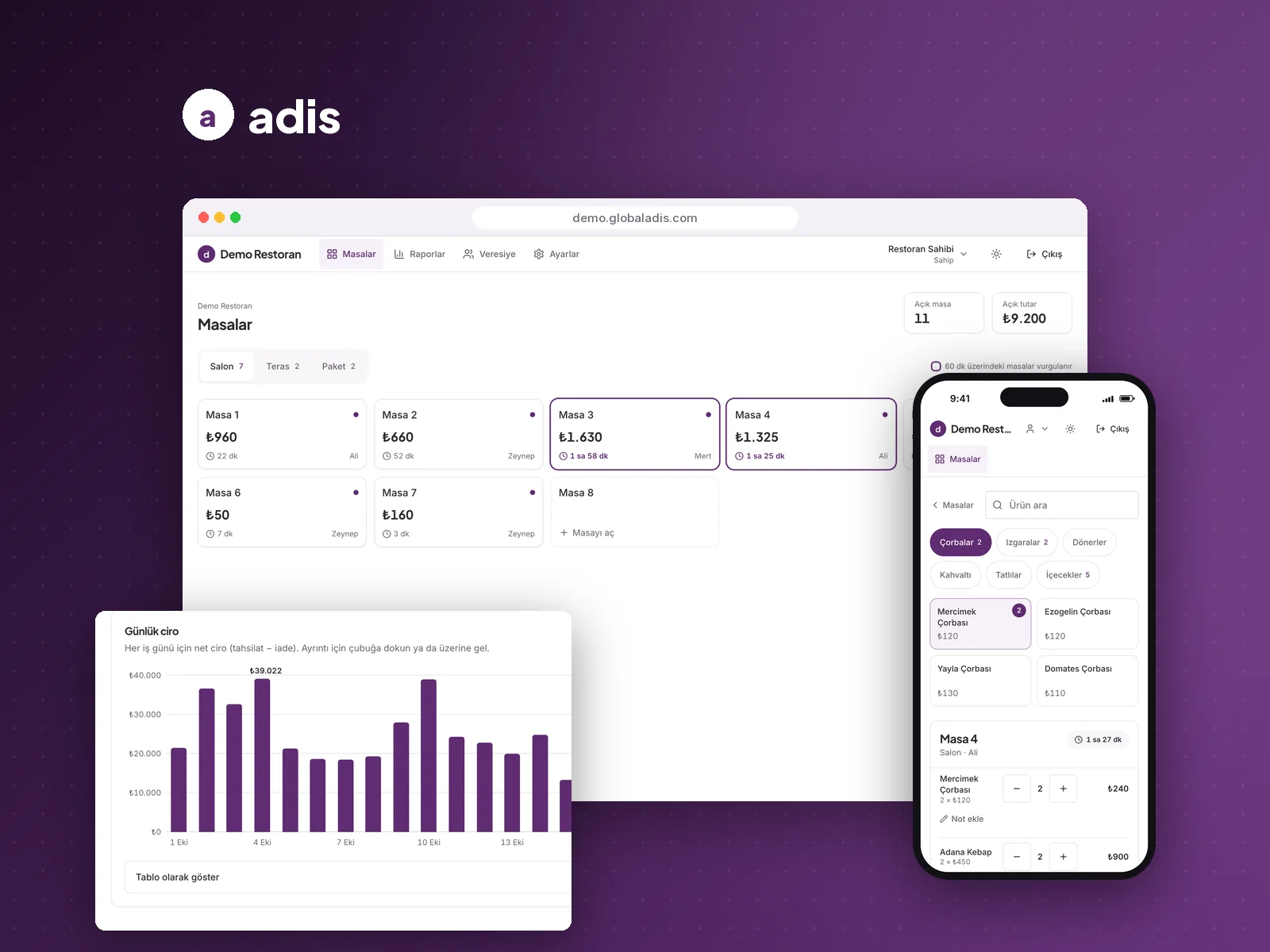
 Live
Globaladis
Cloud-based restaurant POS: floor plan, ordering, reports and QR menu.
Explore ↗
Bring all of your brand's links together on one bio page. Change where a printed link points — on a poster, a catalogue or a QR code — without reprinting.
Social profiles allow a single link; your site, catalogue and WhatsApp don't fit.
When the target of a printed link changes, you have to reprint.
Links stretched by campaign parameters that nobody remembers.
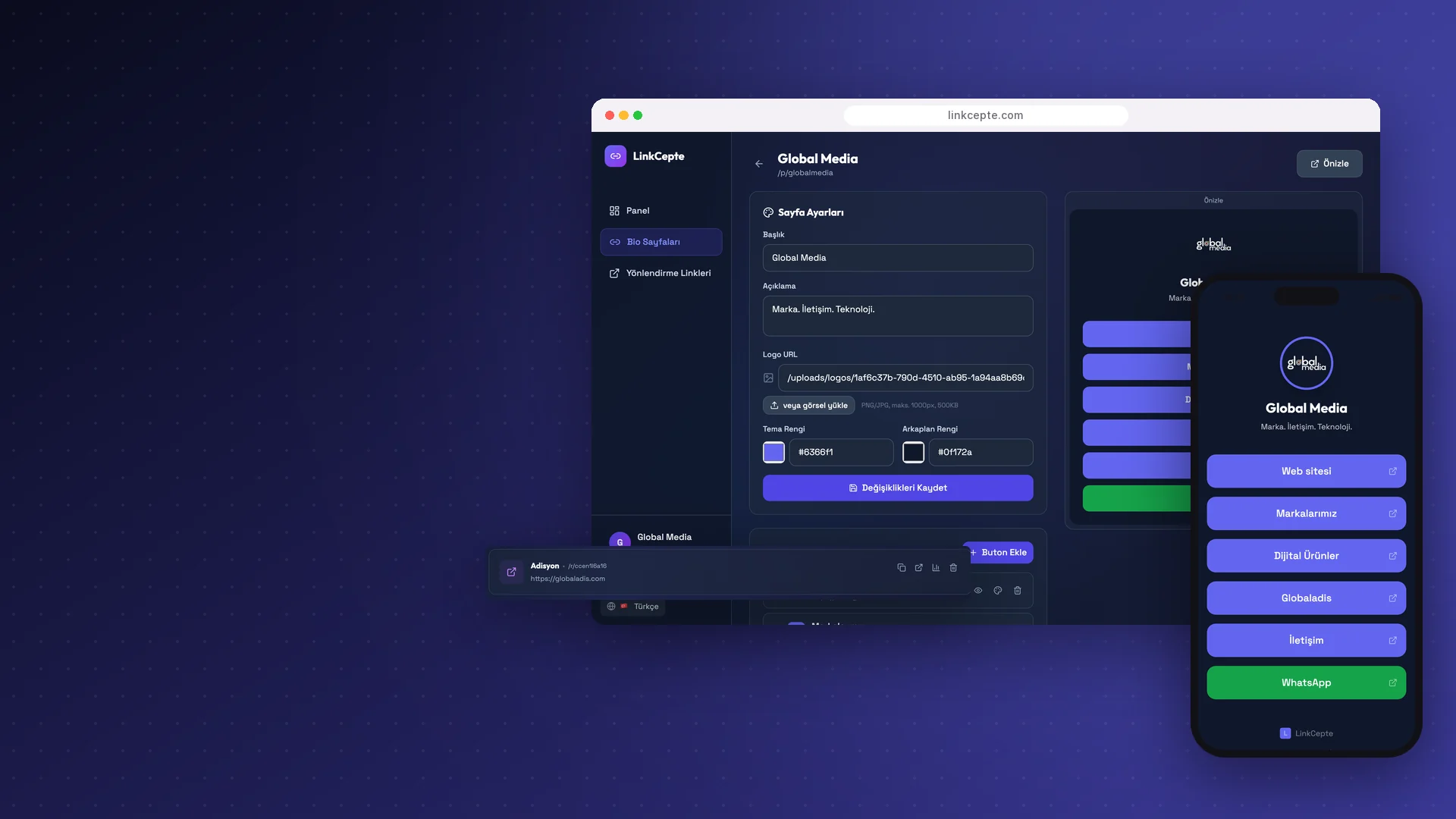
Linkcepte gathers your links on one page and in permanent short links.
Pick a title and short name; availability is checked as you type.
Upload your logo and choose theme and background colours.
Website, catalogue, WhatsApp — reorder by drag and drop.
Put linkcepte.com/p/yourbrand in your profile.
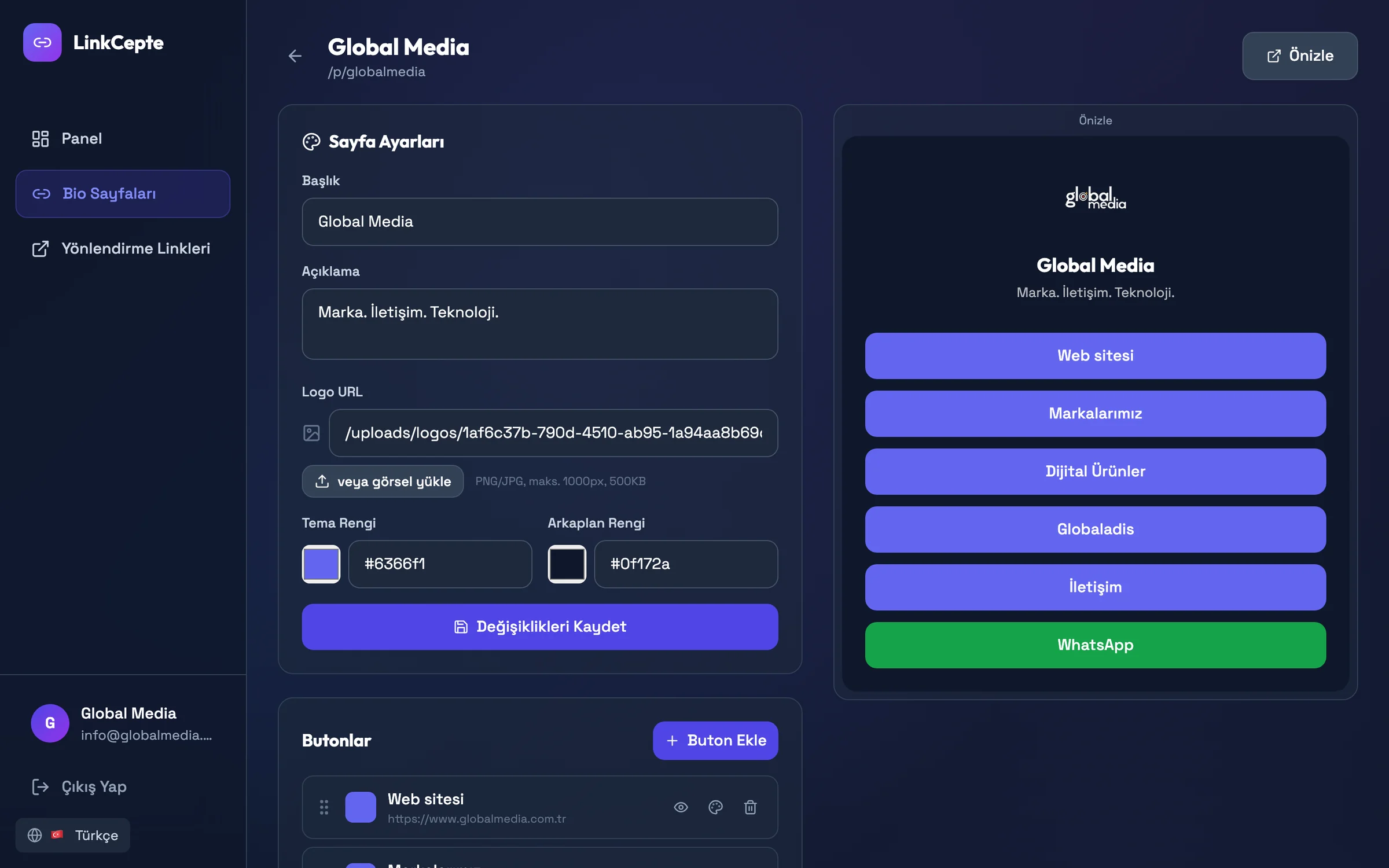
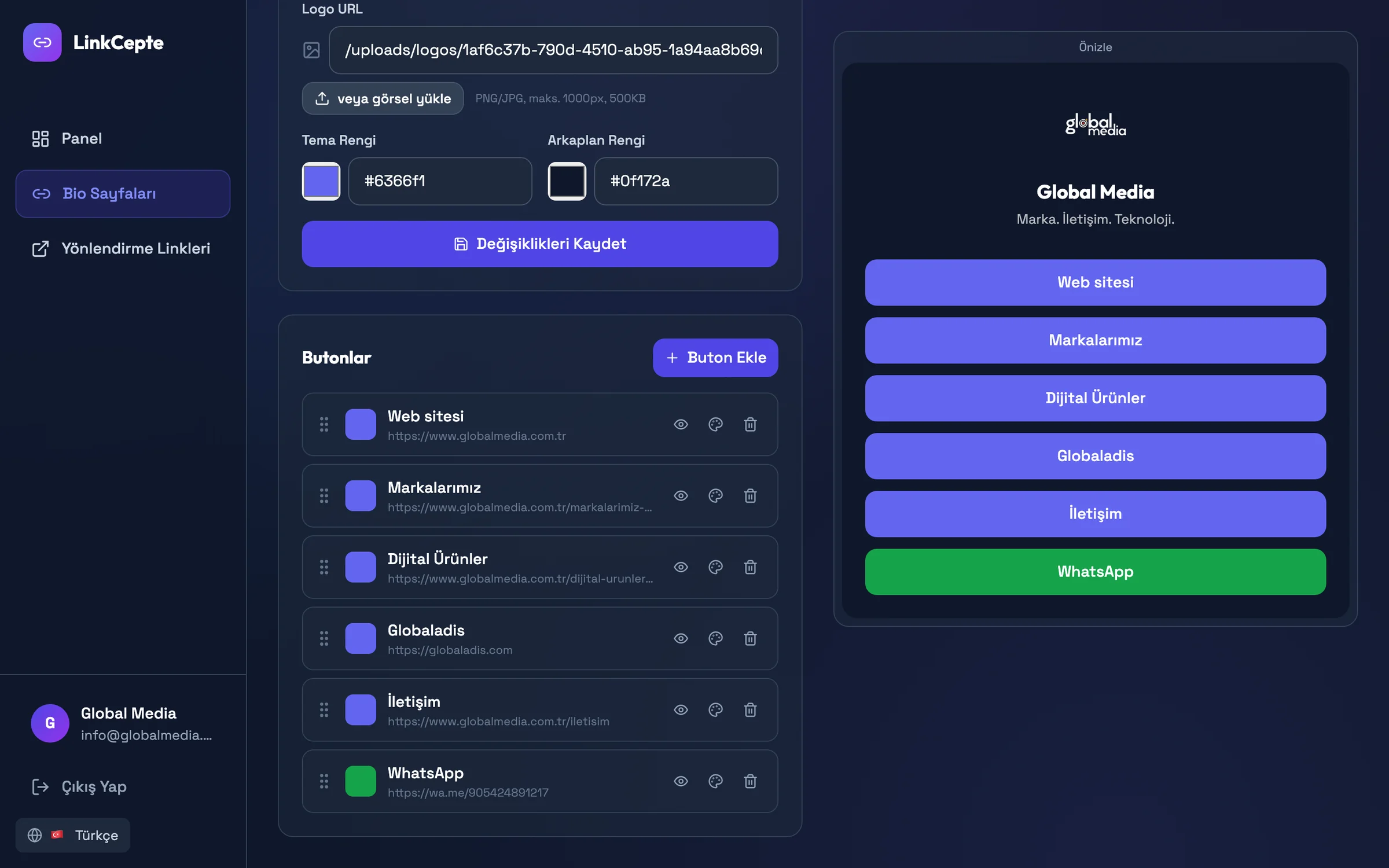
Each button gets its own text and background colour and icon; every change shows up in the live preview.
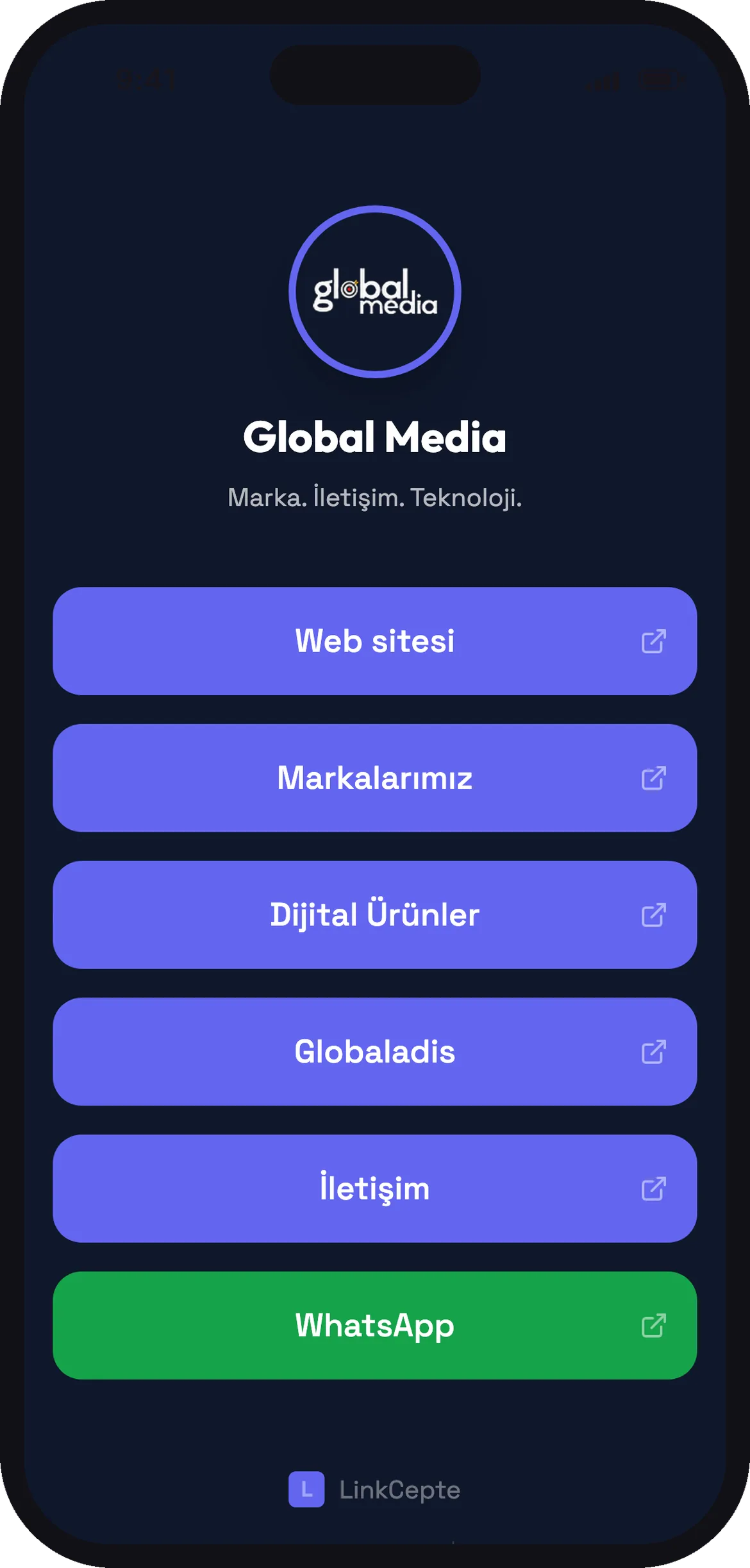
The bio page opens clean and readable on a phone, with full-width buttons that are easy to tap.
Visitors see whose page it is at a glance.
Website, WhatsApp or maps — each opens directly.
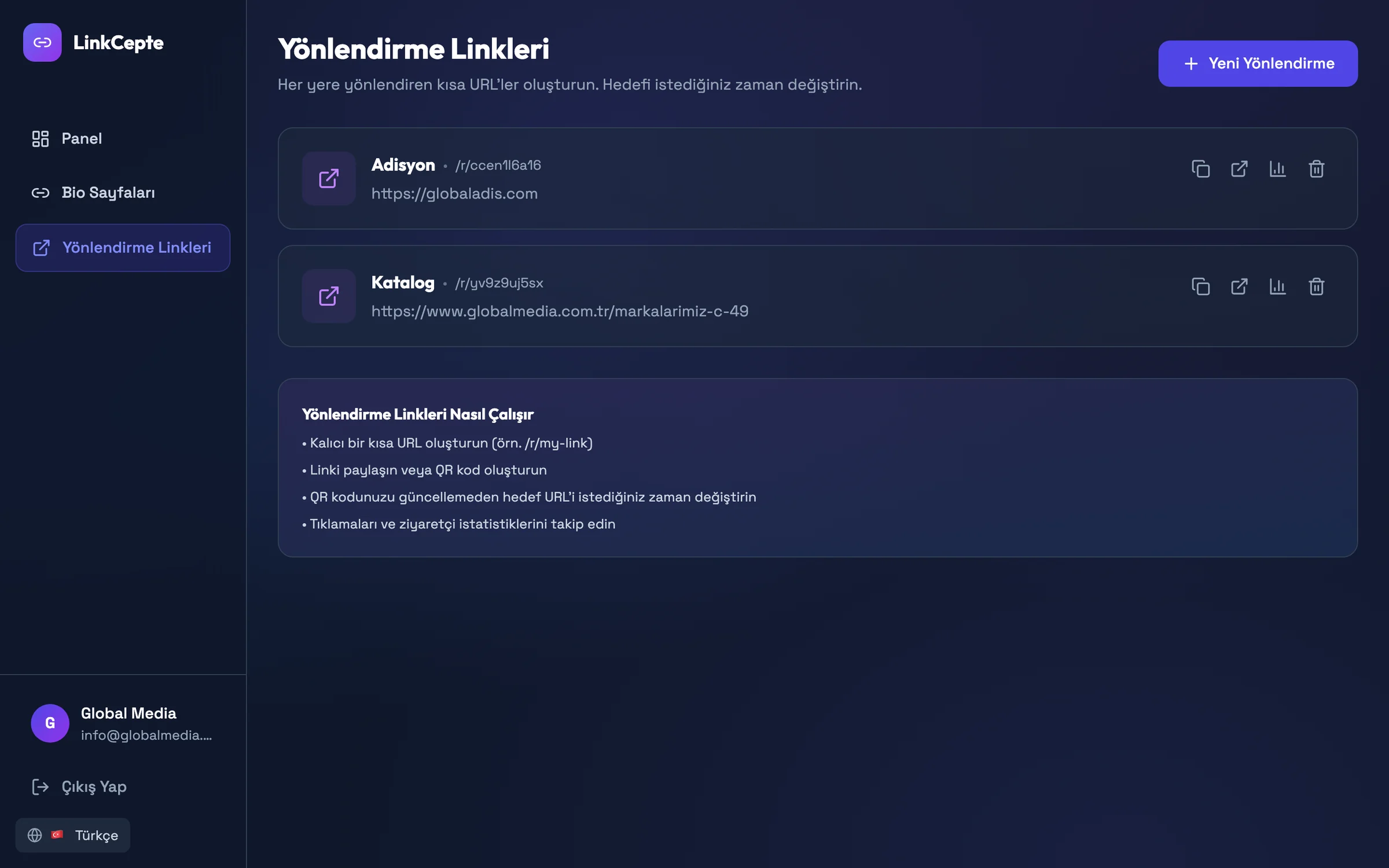
Put the short link on a poster, a catalogue or a QR code once, then change its target from the panel whenever you like.
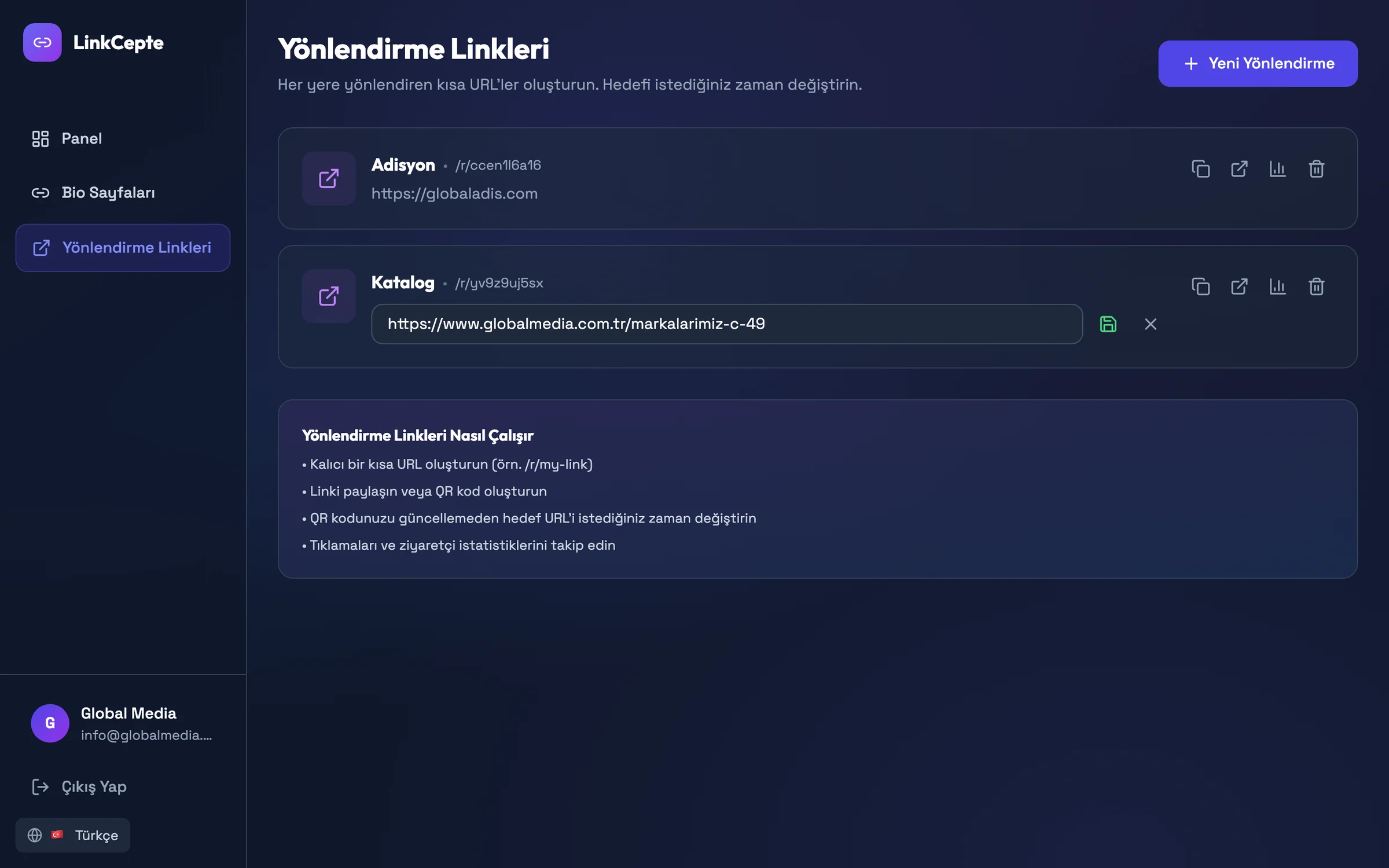
The link in a printed catalogue now points to the new product page, the old poster to the current campaign — visitors always land in the right place.
The one link in your Instagram or TikTok bio.
A link on print whose target can change.
Point it somewhere new when the campaign ends.
Every contact channel on one page.
Menu, booking, location and WhatsApp.
Schedule, sign-up form and livestream link.
Getting started is free; no credit card needed.
Yes. Redirect targets can be changed from the panel at any time; the link you shared or printed stays the same.
Yes. Set the logo, theme and background colour for the page, and text and background colours for each button.
Turn your redirect link into a QR code with GloQR; change the target later in Linkcepte and the printed code opens the new page.
Turkish, English and German.
Open a free account, or write to us about a setup tailored to your brand.
LiveCloud-based restaurant POS: floor plan, ordering, reports and QR menu.
Explore ↗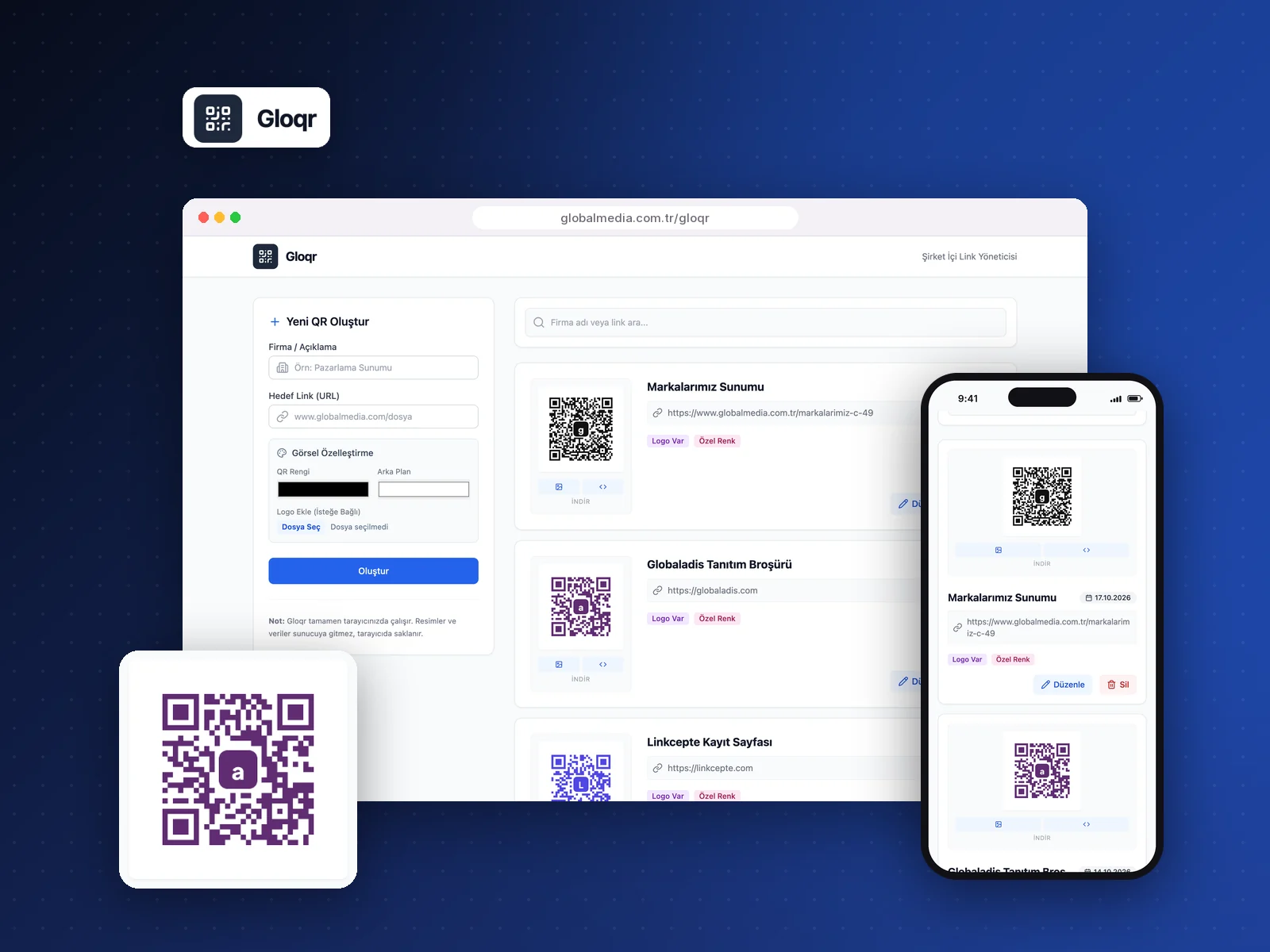 Live
In-house QR manager: branded codes in one list.
Explore ↗ Live
QR menus for restaurants and cafés: photo menus, instant price updates.
Explore ↗