 Live
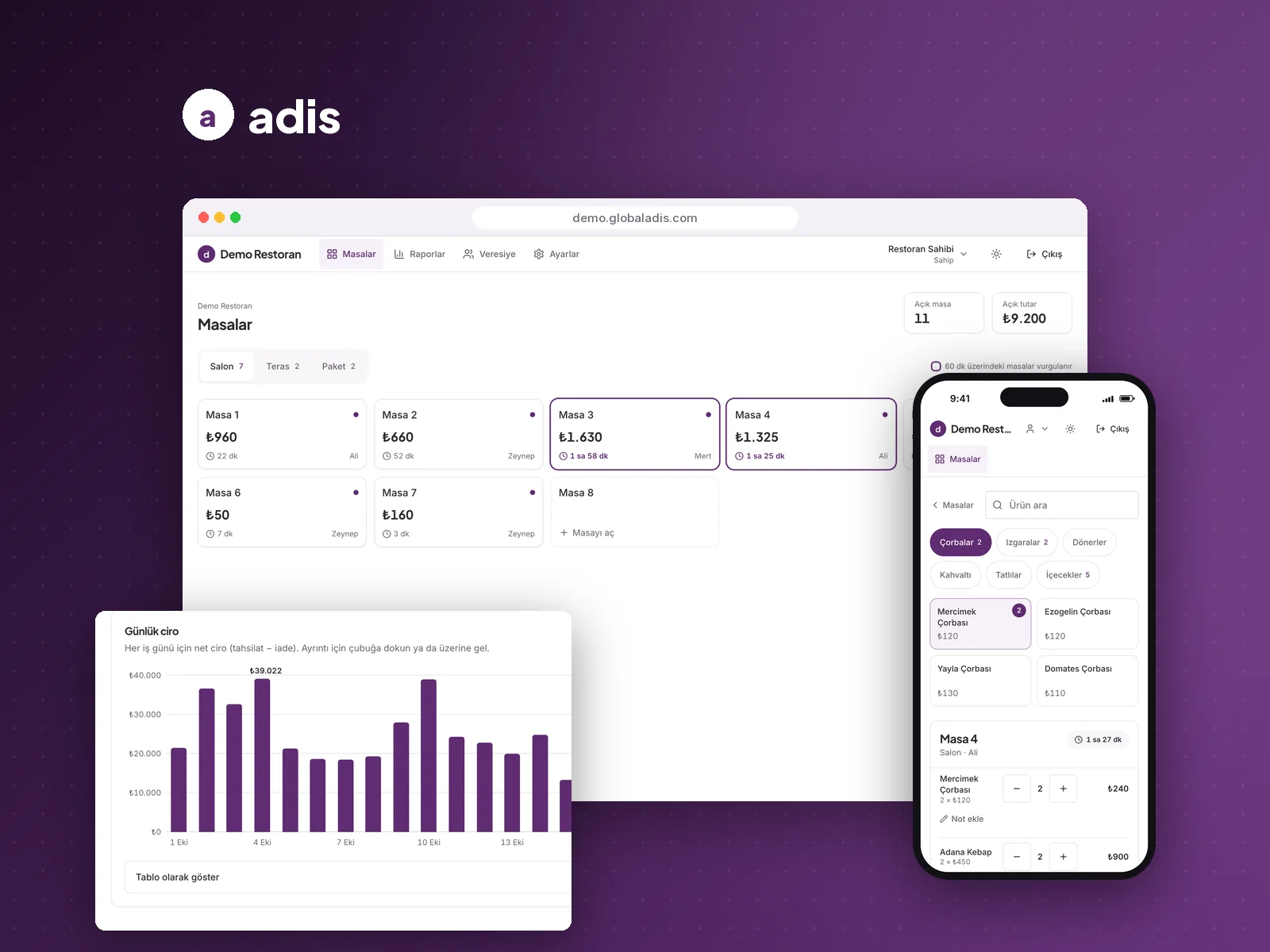
Globaladis
Cloud-based restaurant POS: floor plan, ordering, reports and QR menu.
Explore ↗
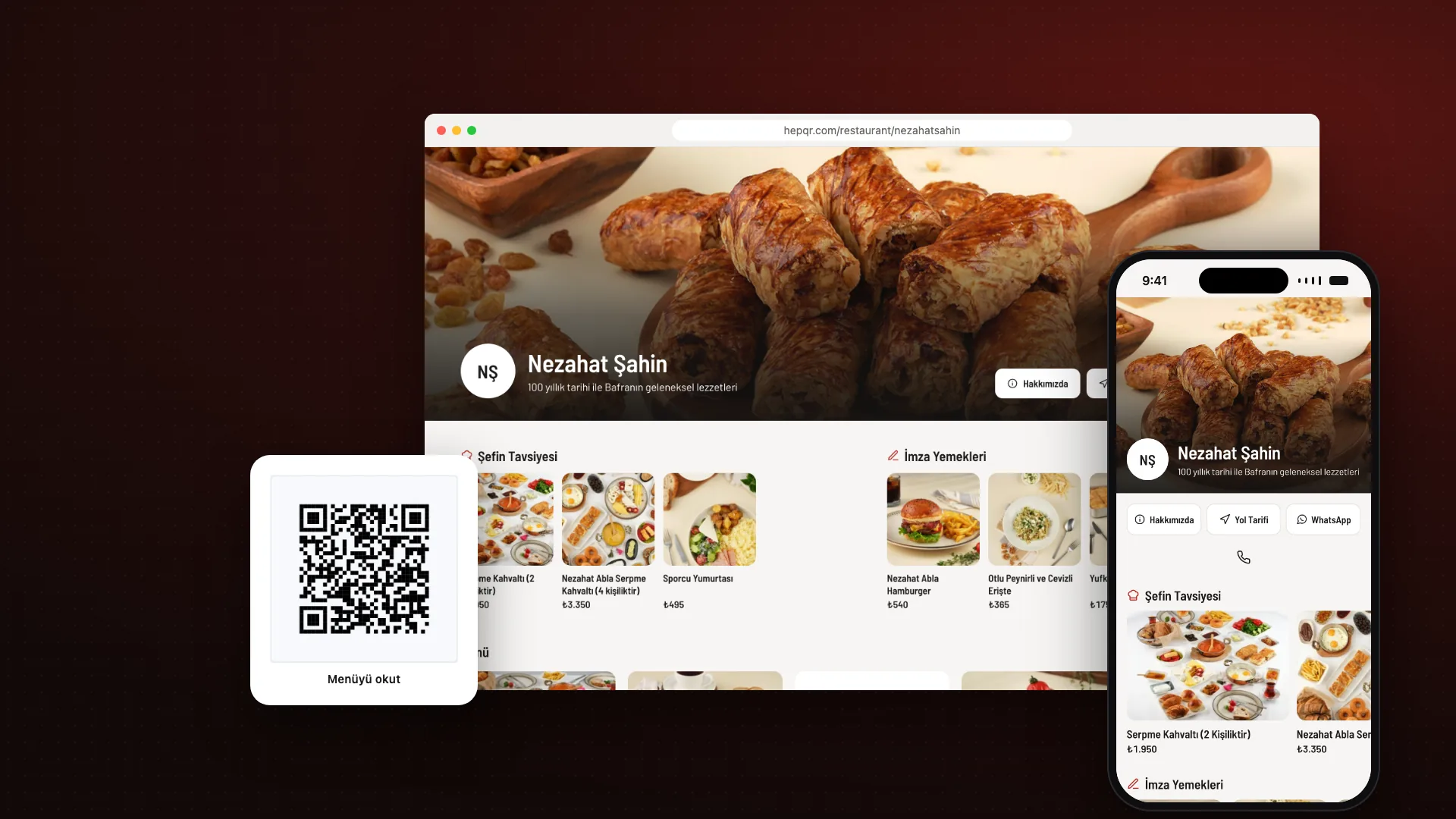
A QR menu for restaurants, cafés and hotels. Manage your items with photos, descriptions and prices from one panel, and every guest who scans the table QR code sees the latest menu. No app to download.
Change one price and the whole menu has to be printed again.
Menus passed from hand to hand soon look tired and dirty.
Guests choose without seeing the dish, by asking the waiter.
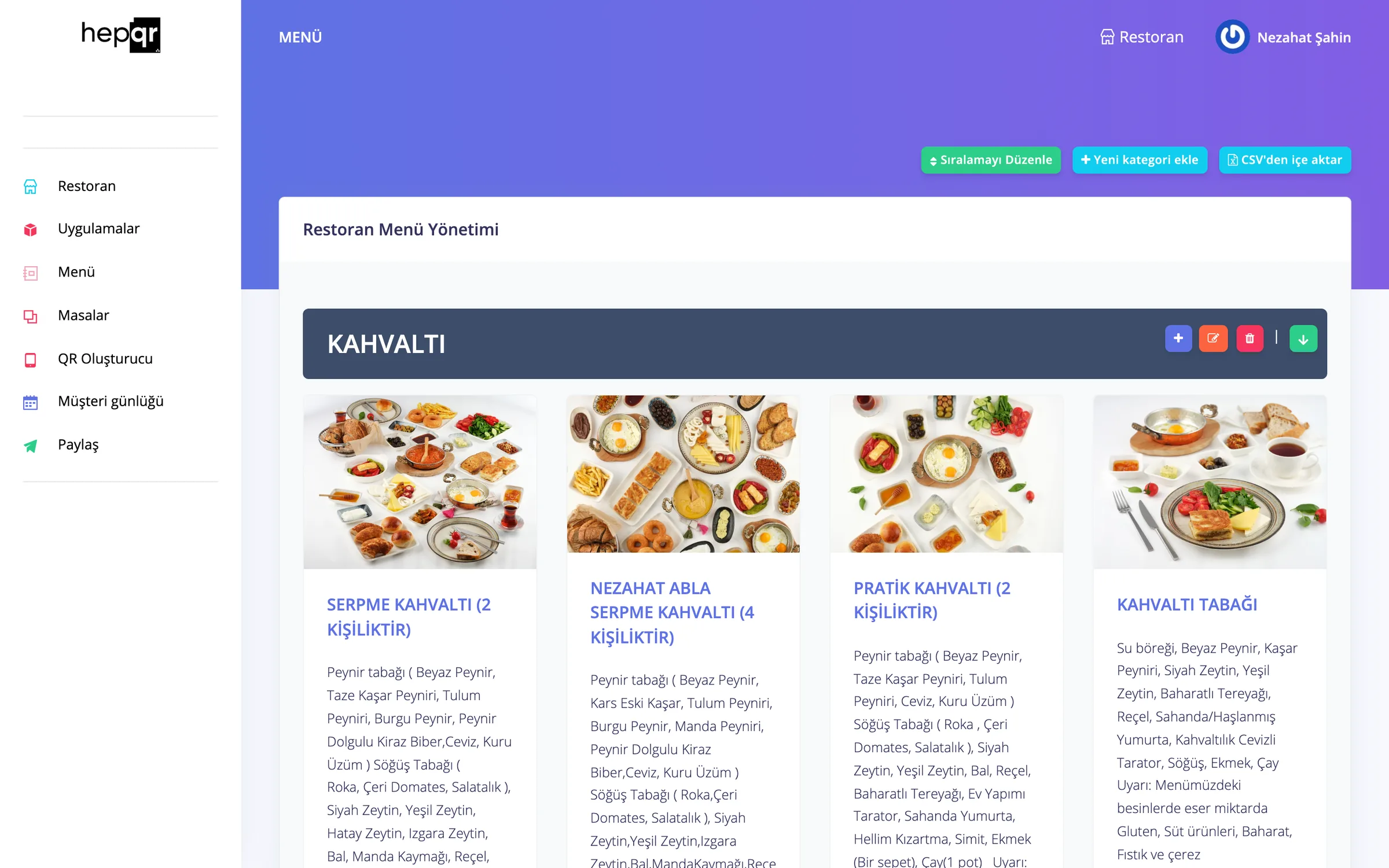
With HepQR the menu is updated from one panel, and everyone who scans the code sees the latest version.
Add your name, logo, cover image, address and opening hours.
Add categories and items with photos, descriptions, prices, options and extras.
Choose a theme, your brand colour and a light or dark look.
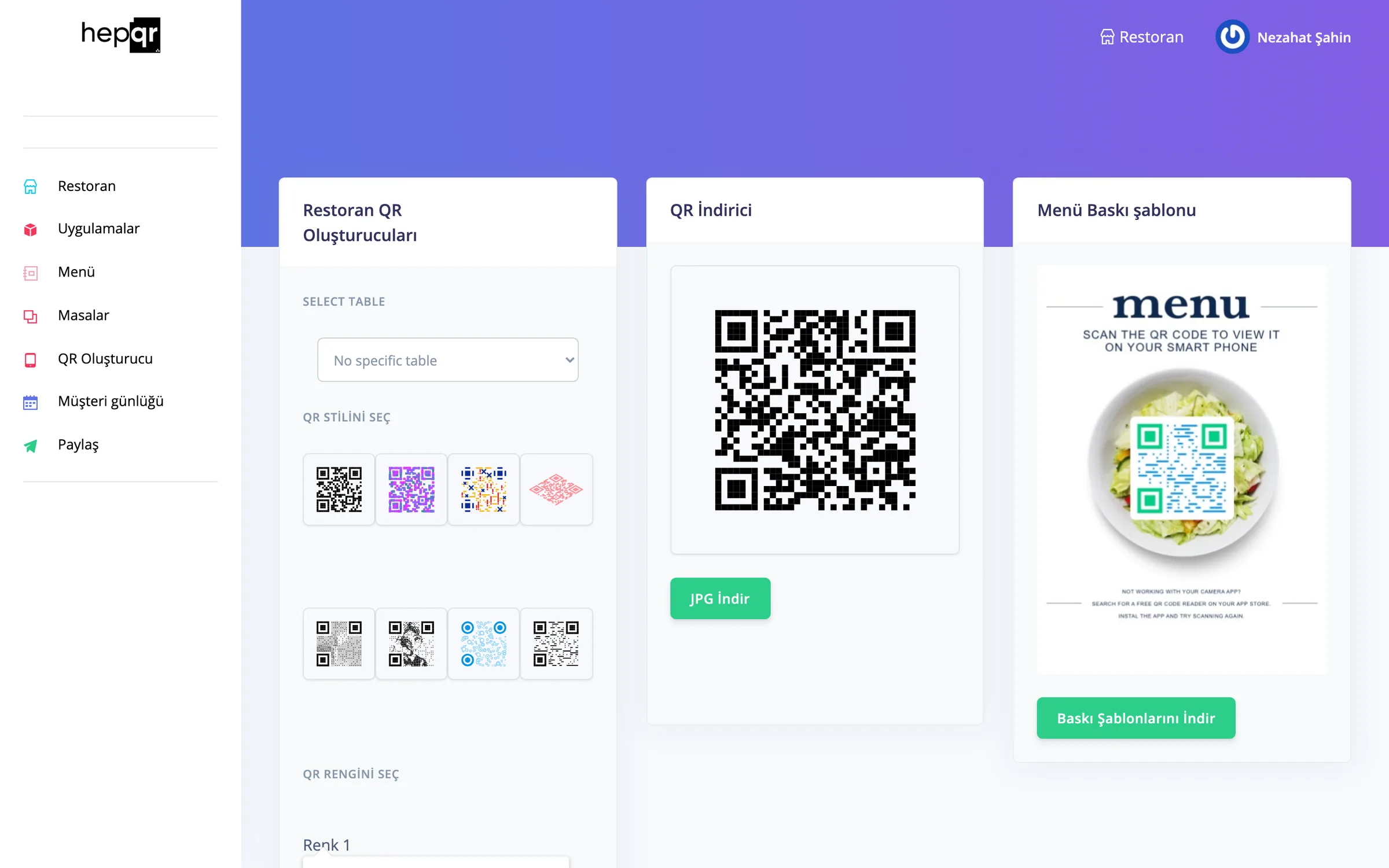
Download your QR code and place it on the tables with a print template.
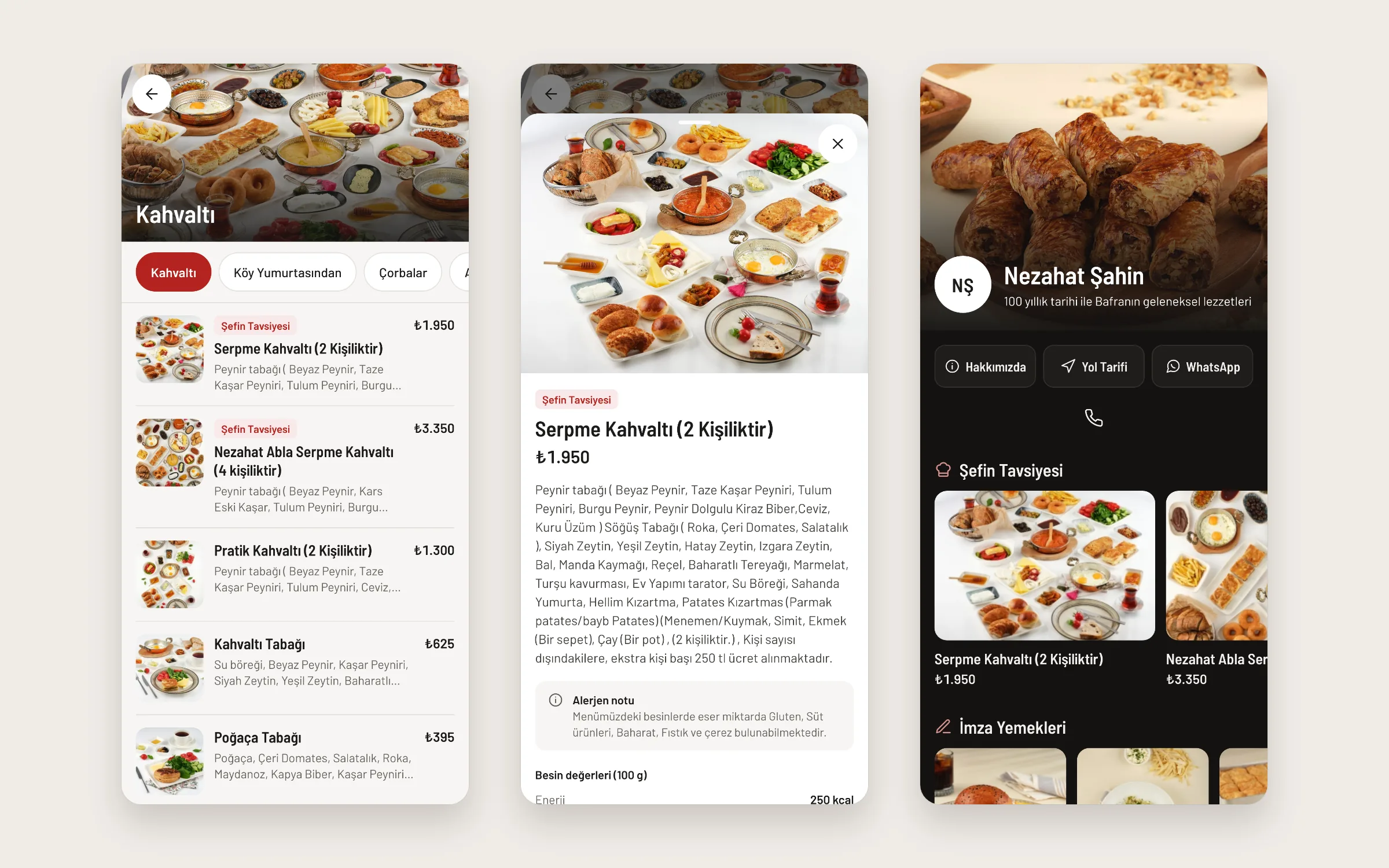
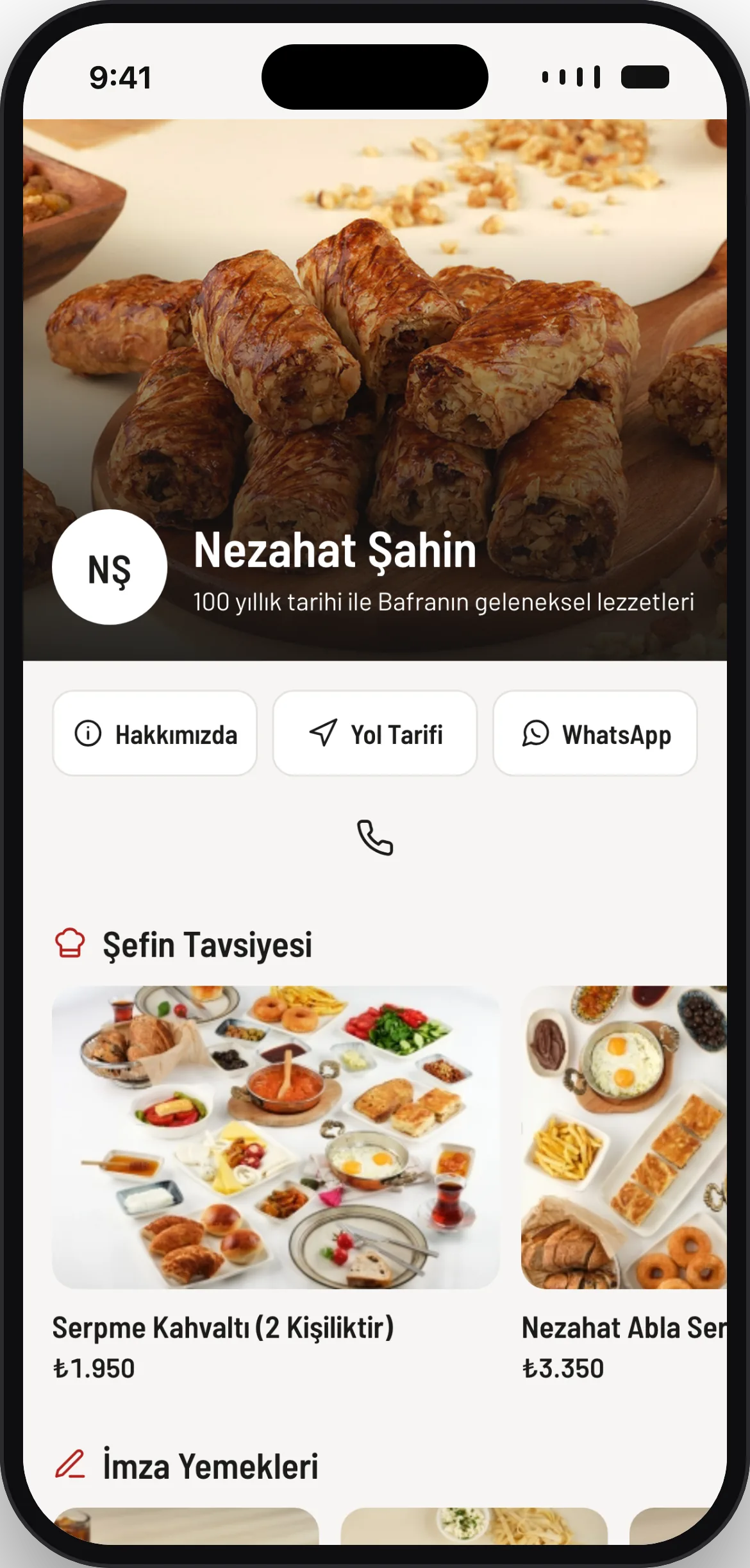
A menu with a cover image, category tiles and item photos that looks the same on phones, tablets and desktops.
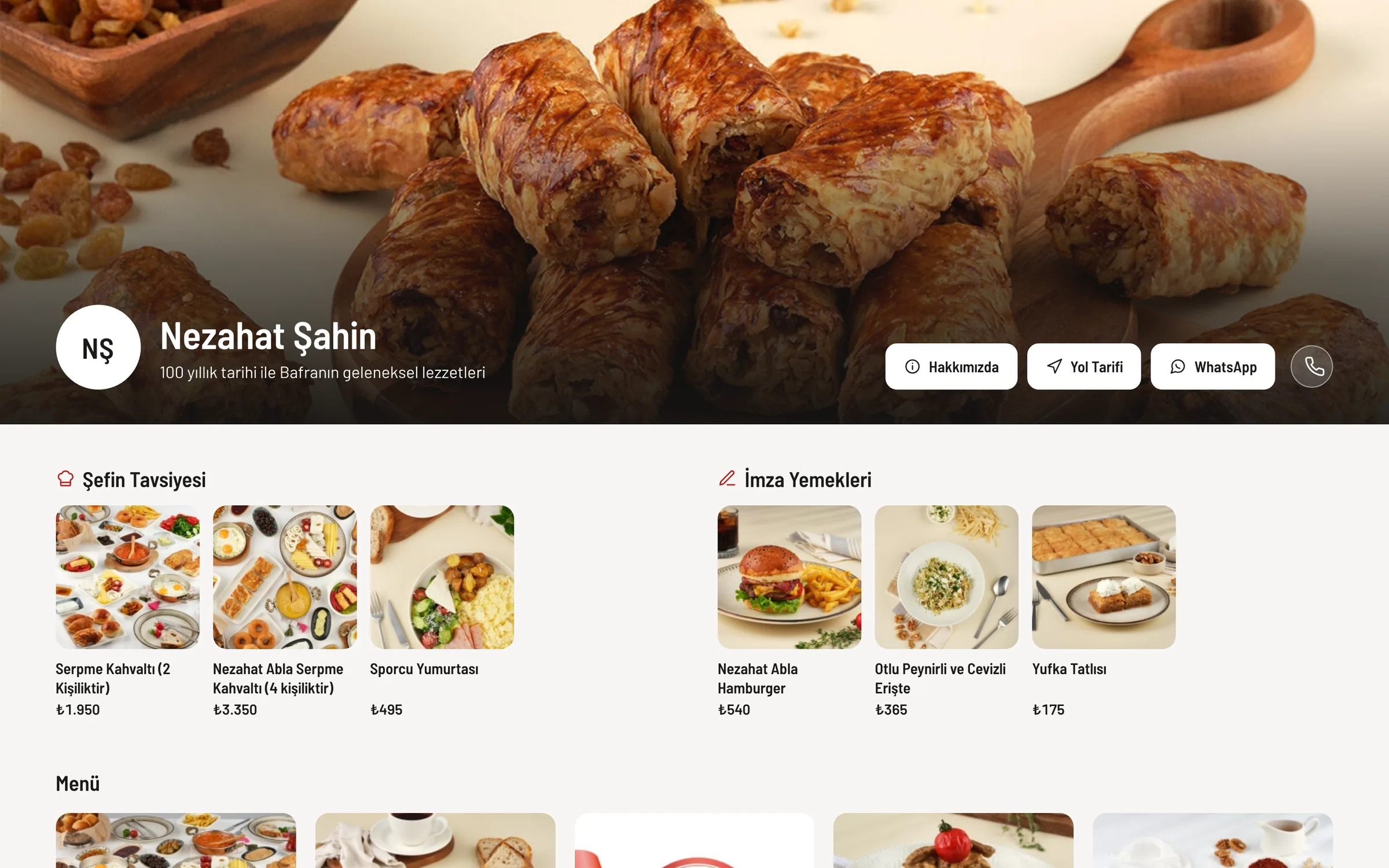
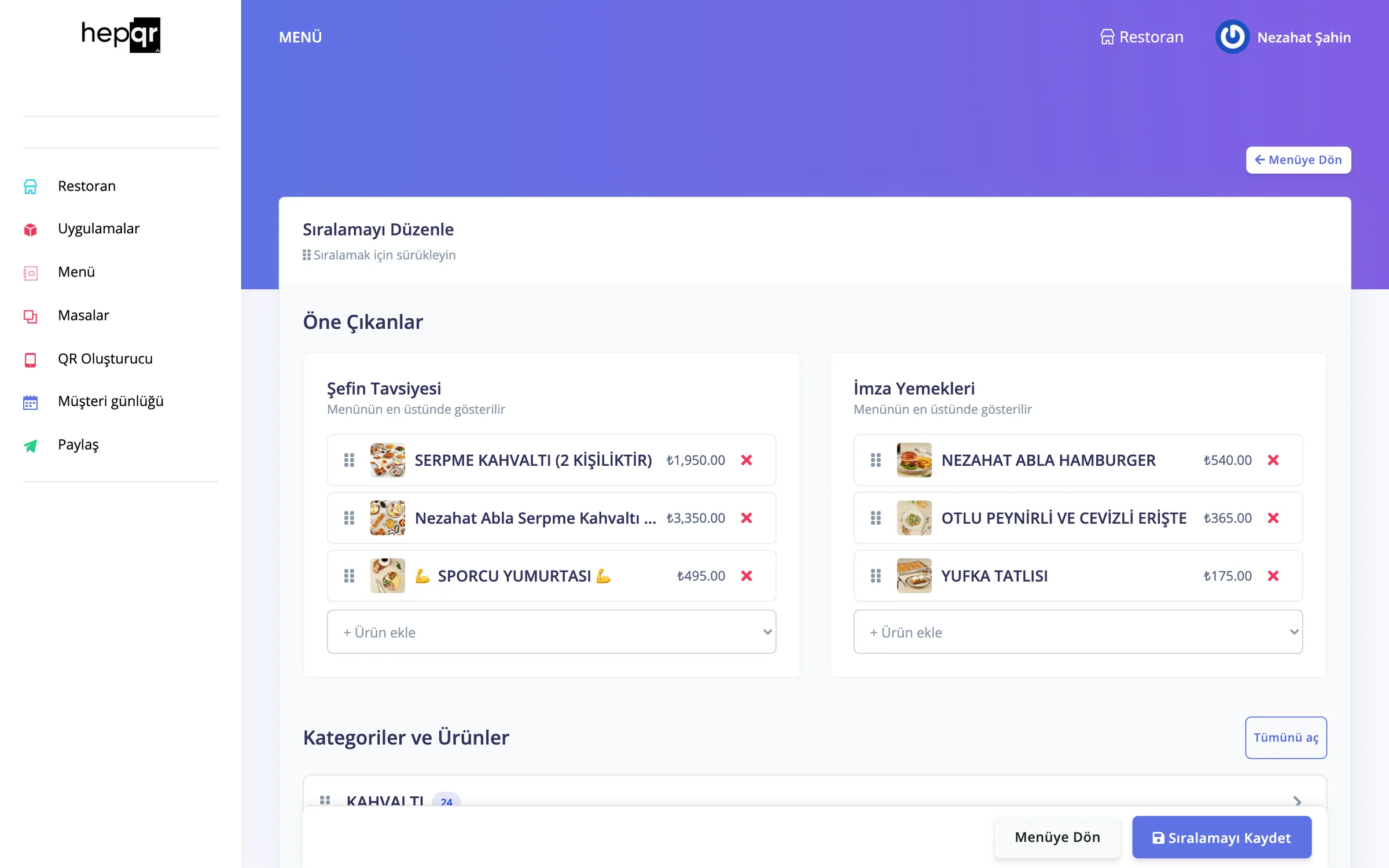
Drag and drop categories and items into order, and lift the dishes you choose to the top of the menu as chef's picks and signature dishes.
Tap an item to see a large photo, the full description, the price, an allergen note and nutrition facts.
Create your menu QR code in the panel with the style and colour you like, download it as JPG and use the print templates for your tables.
Enter item names and descriptions in several languages; guests pick theirs on the menu.
If you like, guests order from their phones and you see it in the panel.
Weekly hours are on the menu, with today highlighted.
Pick one of the themes and set your brand colour and a light or dark look.
No limit on categories or items, and options and extras are supported.
Call, WhatsApp and directions buttons right at the top of the menu.
Guests point their camera at the QR code and the menu opens in the browser, with no app to install.
Any phone camera and browser will do.
Images are sized for the phone and load as needed.
Changes in the panel show up behind the same QR code.
Large menus, categories and daily picks.
Drink and dessert prices that change often.
Products people choose by sight.
Room service, restaurant and bar menus.
A dark look that reads well in low light.
A menu that never gets wet or lost.
No. The QR code is scanned with the phone camera and the menu opens in the browser.
No. The QR code points to your menu address, so every change in the panel appears behind the same code.
There is no limit. Items can have photos, descriptions, prices, options and extras.
Yes. Add a language and enter item names and descriptions for it; guests choose their language on the menu.
Write to us on hepqr.com or with the form below, and we'll set up your venue and publish your menu together.
Take a look at HepQR or write to us about your venue, and we'll publish your menu together.
LiveCloud-based restaurant POS: floor plan, ordering, reports and QR menu.
Explore ↗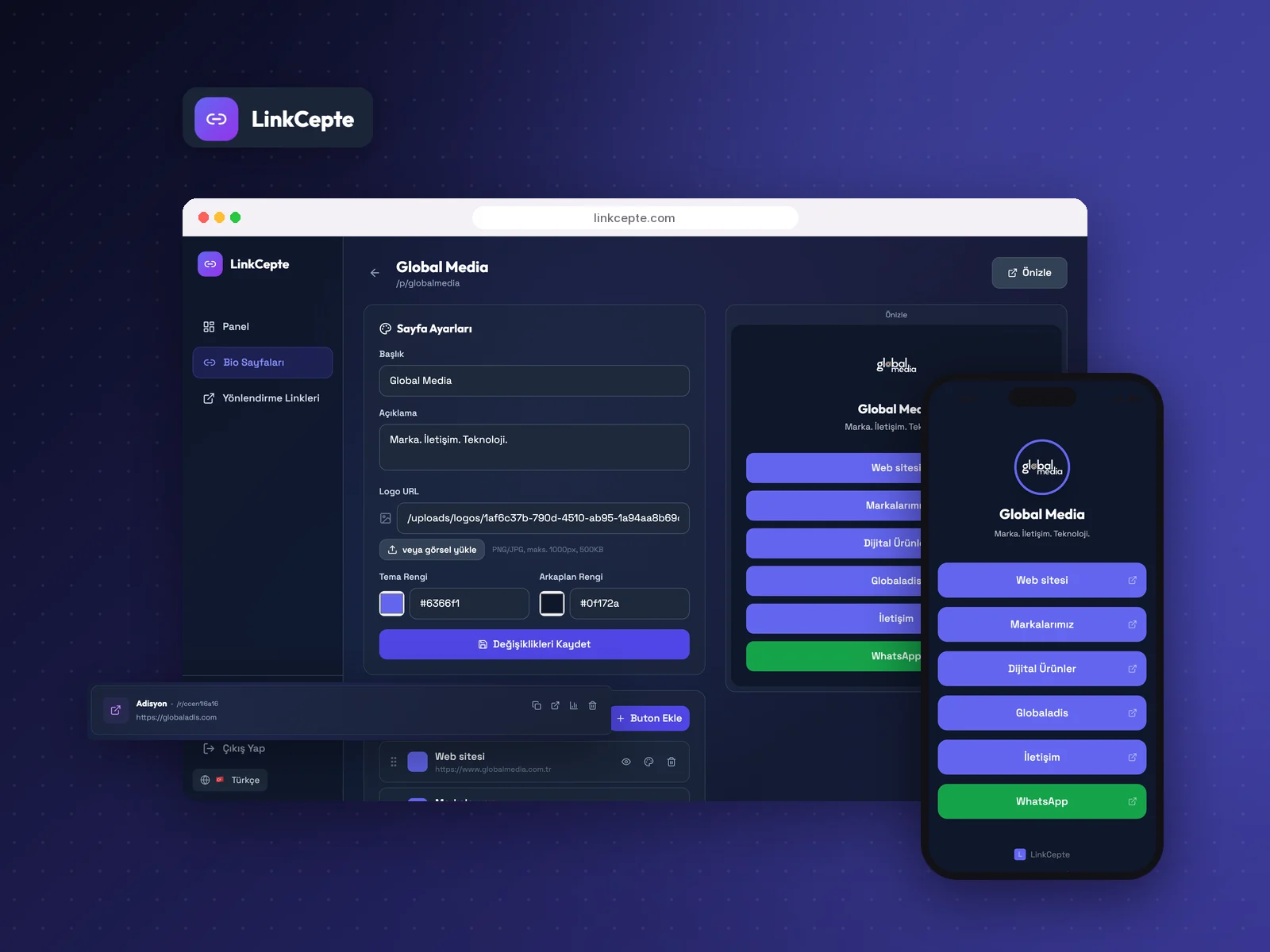 Live
A branded bio page and permanent short links with changeable targets.
Explore ↗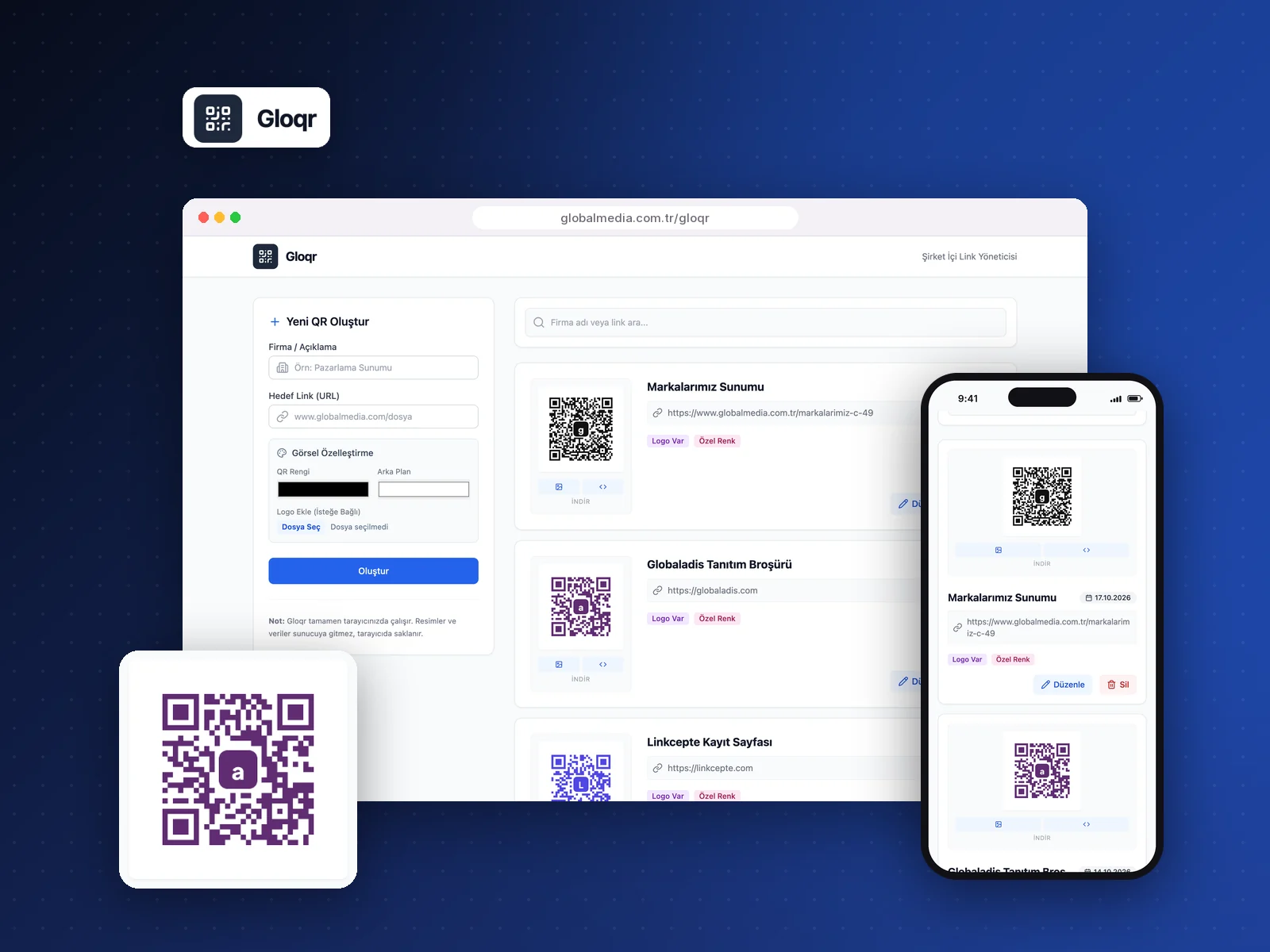 Live
In-house QR manager: branded codes in one list.
Explore ↗