 Live
Linkcepte
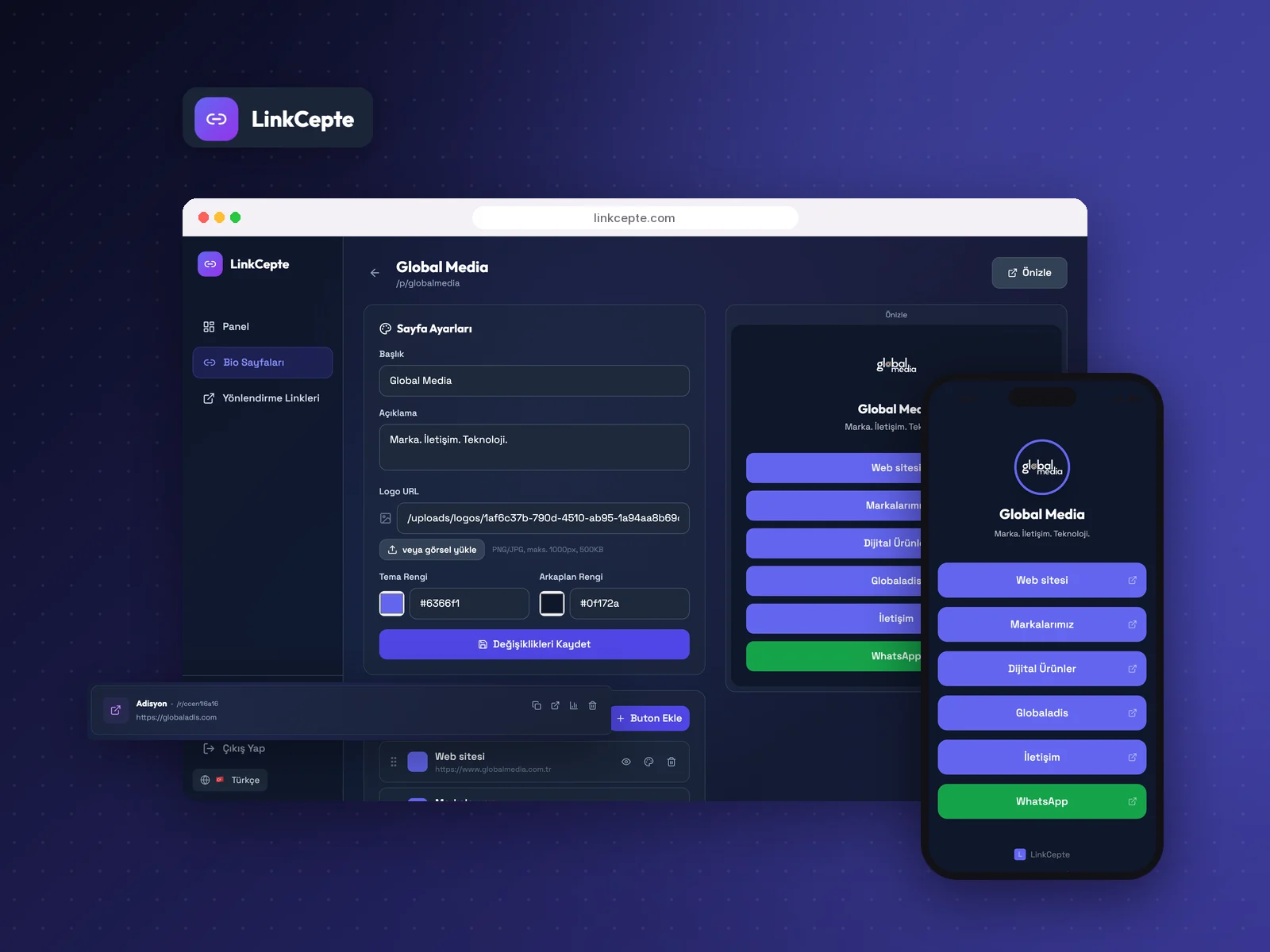
A branded bio page and permanent short links with changeable targets.
Explore ↗
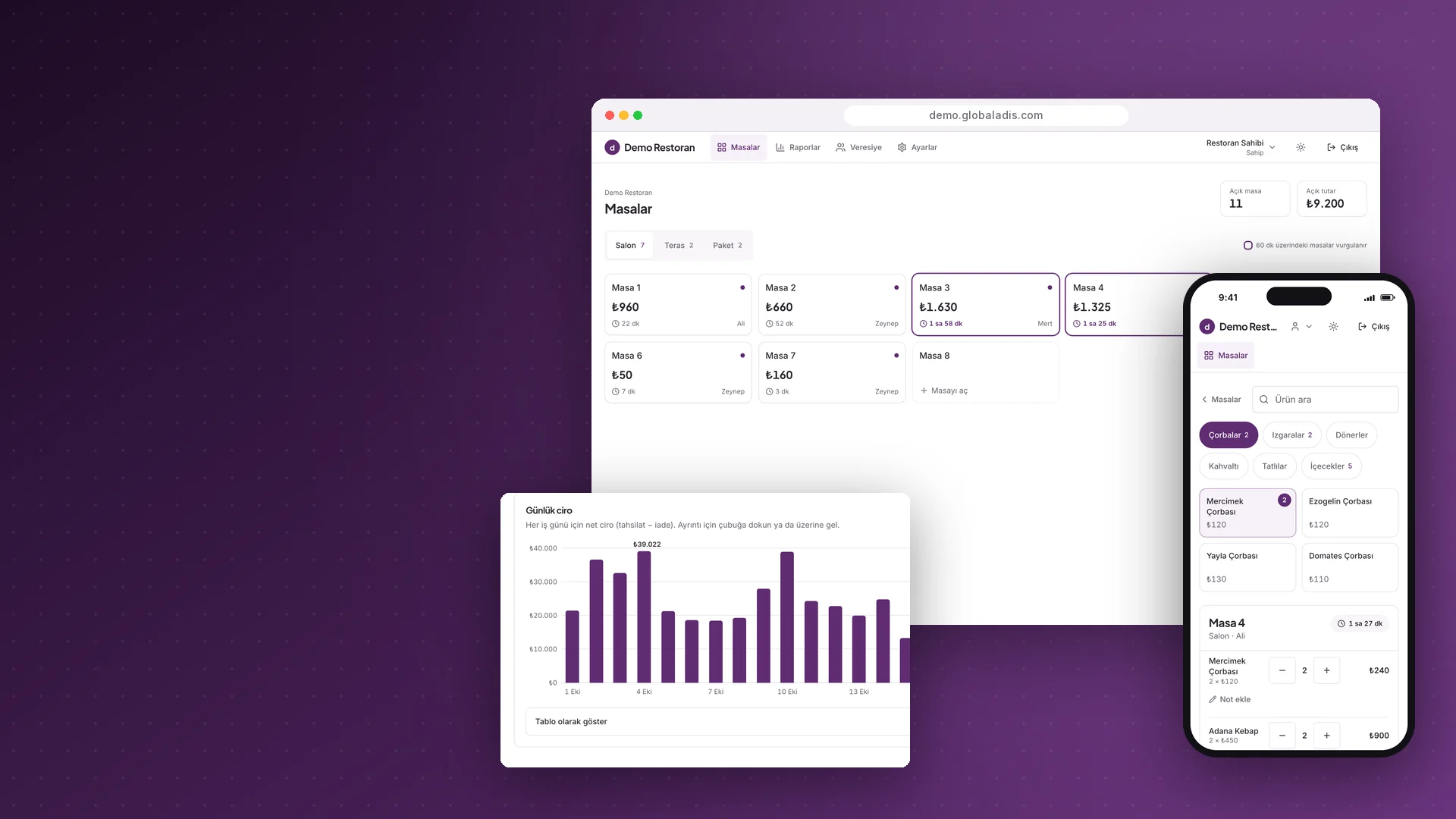
Floor plan, ordering, bill splitting, reports, customer accounts and a QR menu in one panel. Waiters use their phones, the till runs on a tablet or computer — nothing to install.
Orders live on paper and extras in someone's head; items get missed at rush hour.
Which table has been open how long, and who's on it? There's no single view.
When cancellations, comps and discounts go unrecorded, the till never matches revenue.
Globaladis brings every step of service onto one screen.
Indoor, terrace and takeaway in one plan; busy tables show their total and time.
Pick a category, tap an item; quantity, notes and comps update instantly.
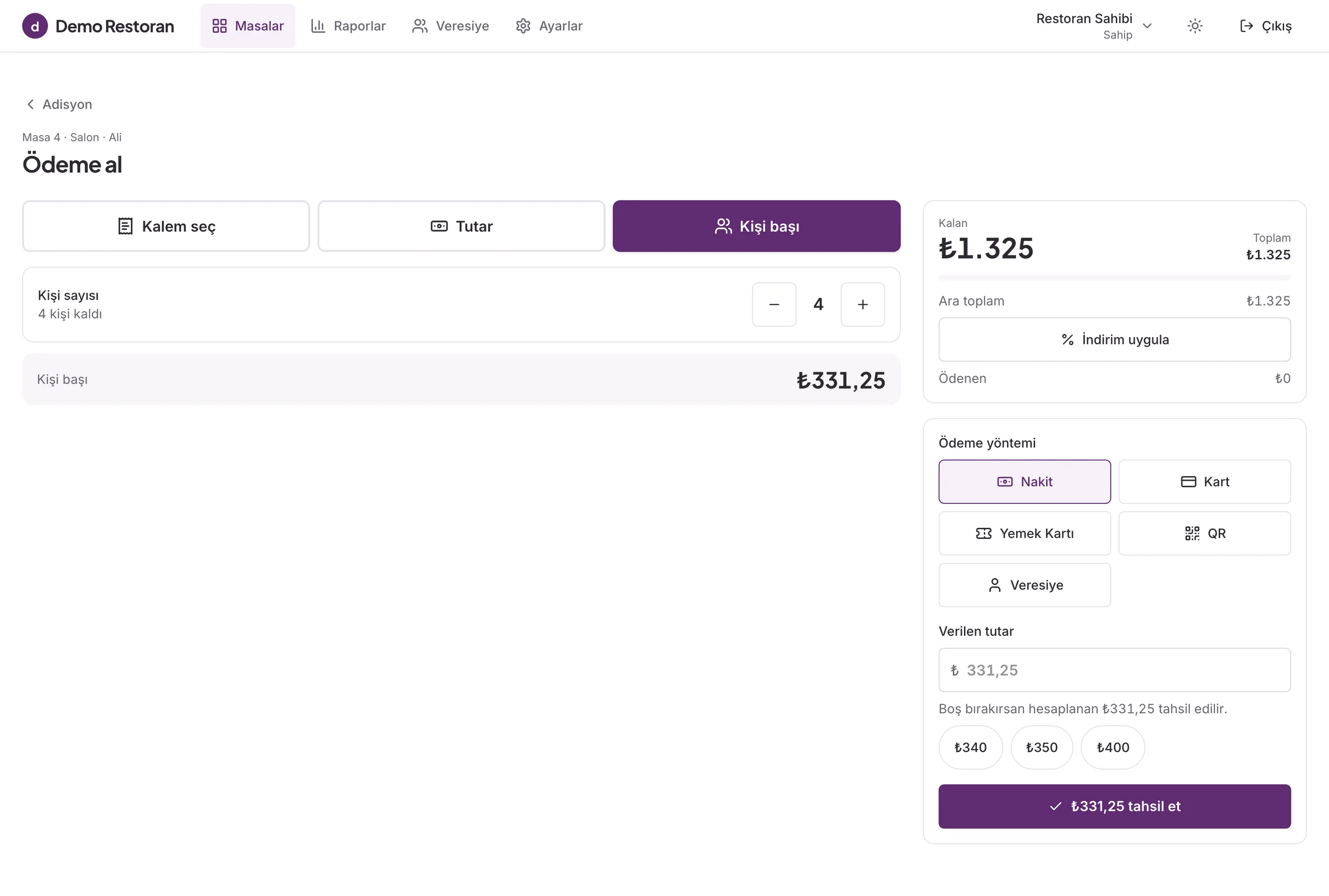
By item, by amount or per person; change is calculated for cash.
Payments land in the till by method; credit sales go to the customer's account.
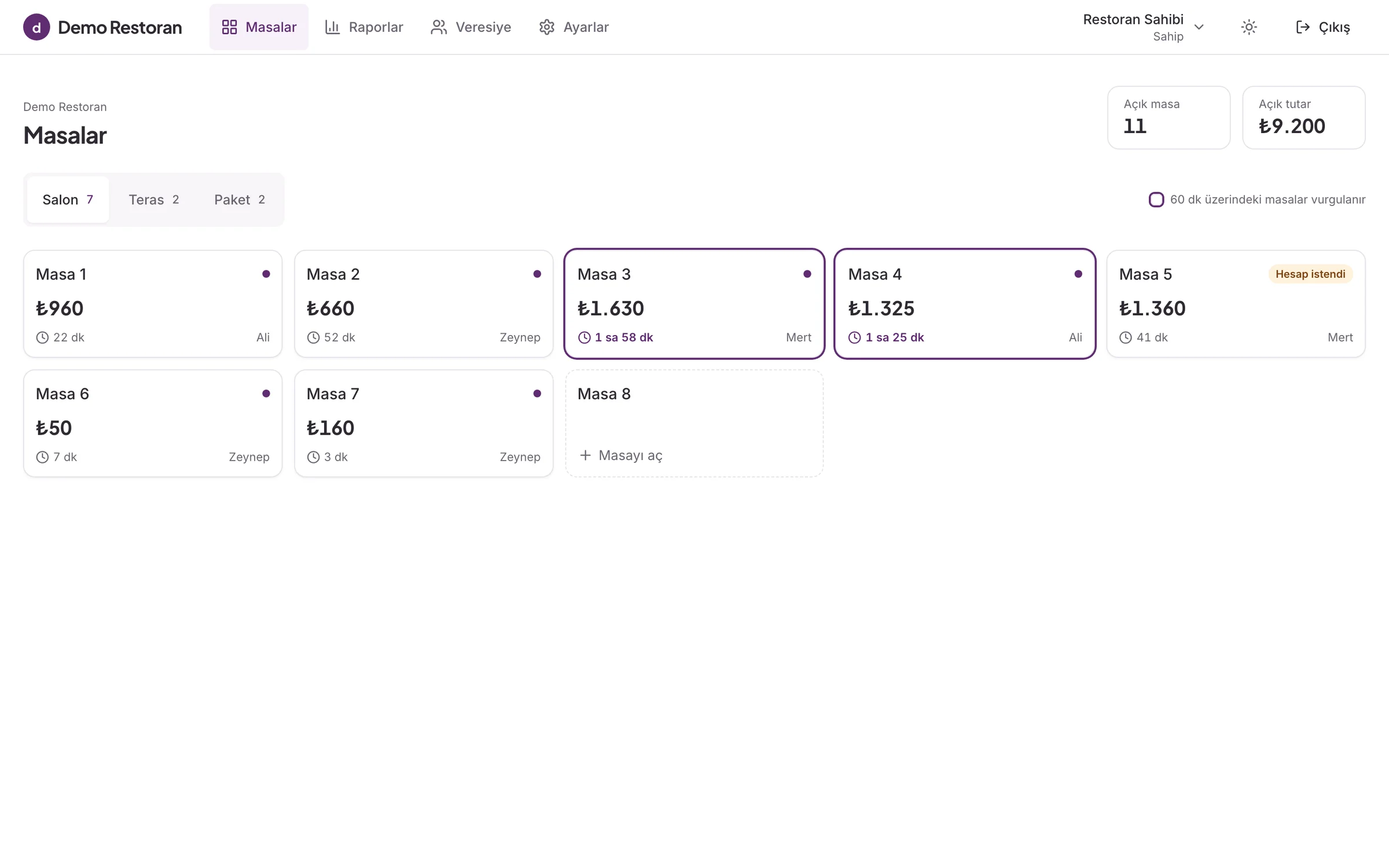
Every change on a table shows up on every screen at once.
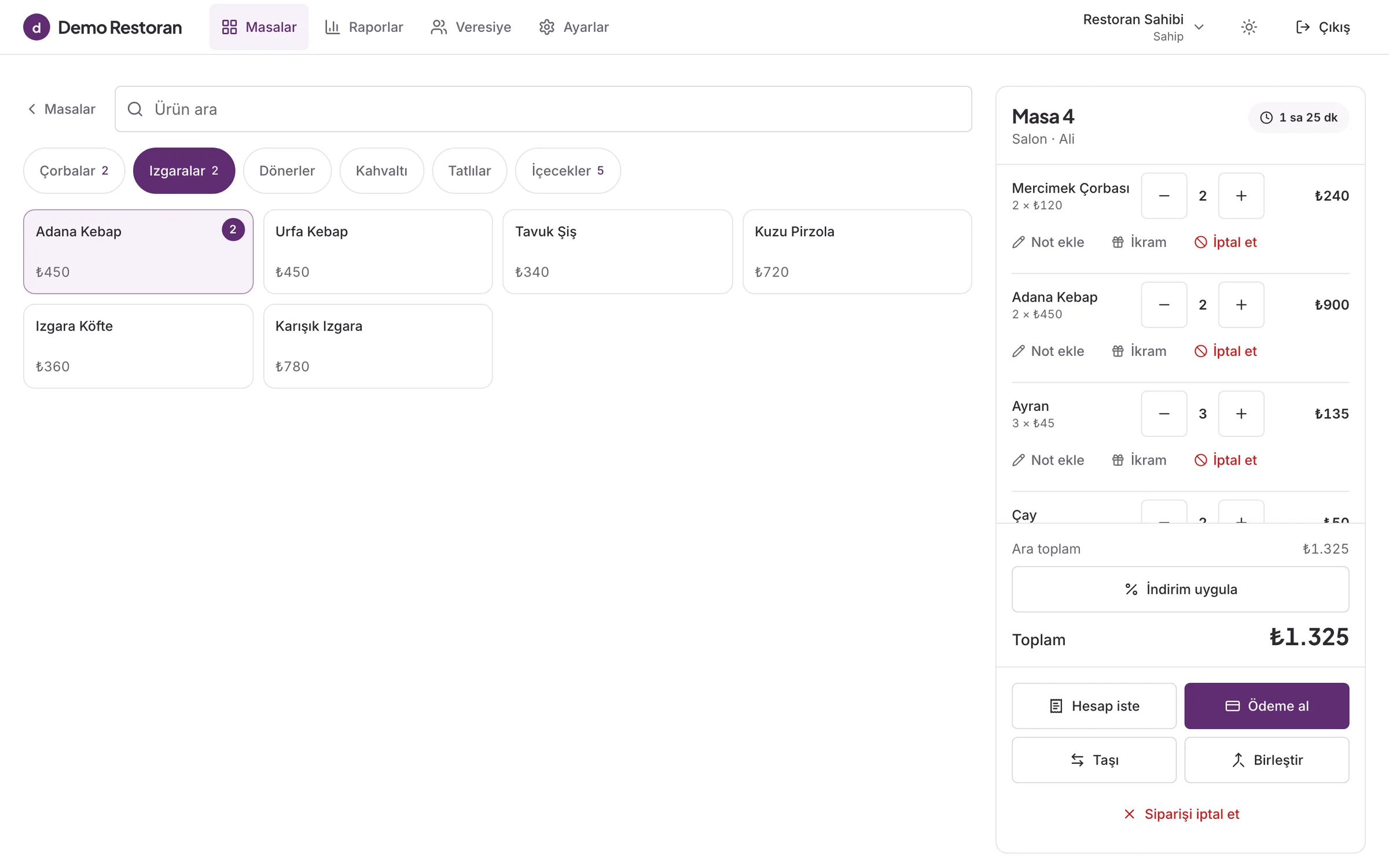
By item, by amount or per person — take as many payments on one table as you need.
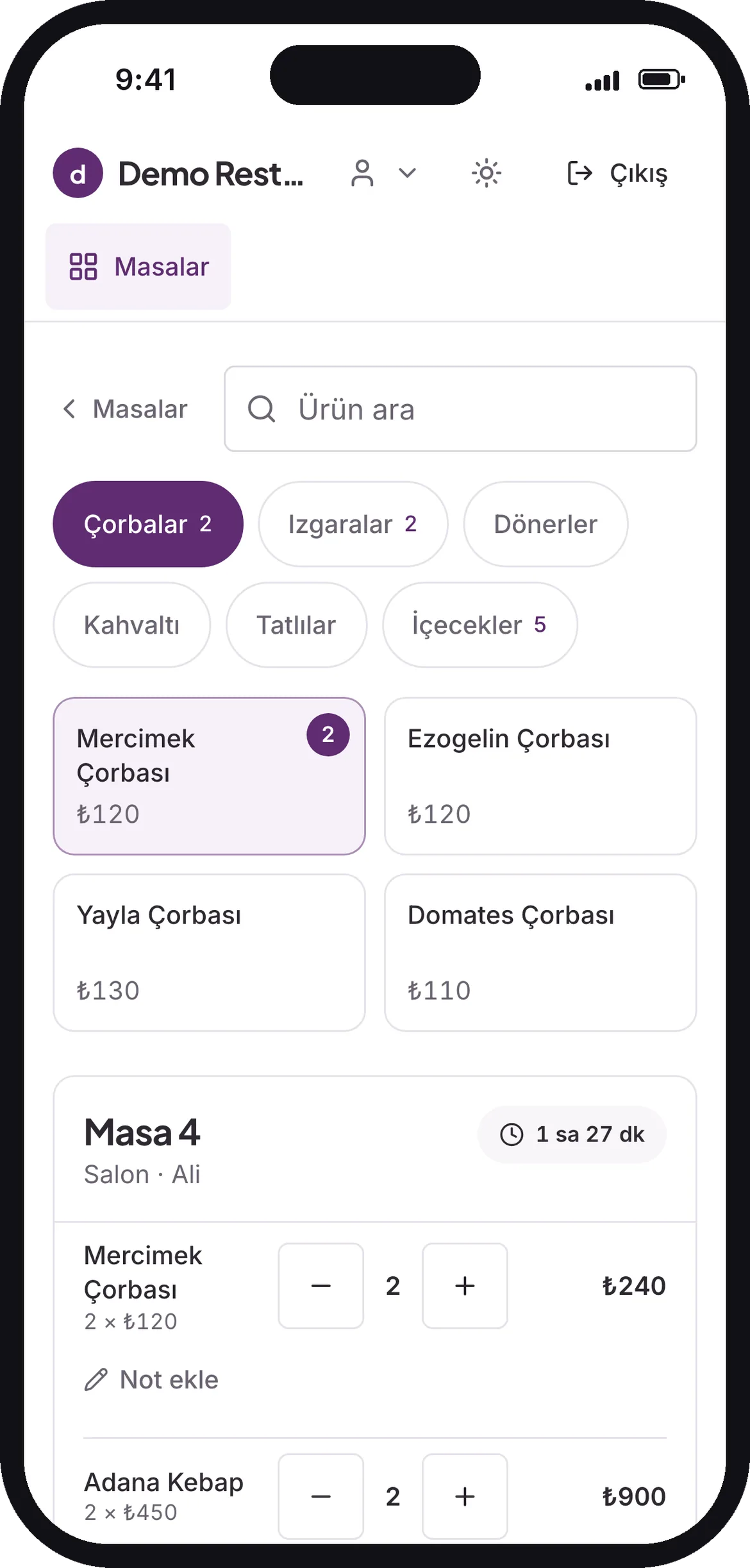
Waiters go to the table with their own phone — no extra device or app.
Items are added at the table and appear on the till instantly.
Take payment by item or split, right from the phone.
A dark view for evening service, one tap away.
The waiter or till opens the table.
Items are added to the ticket.
The table is flagged as waiting for the bill.
Cash, card or on account; split if needed.
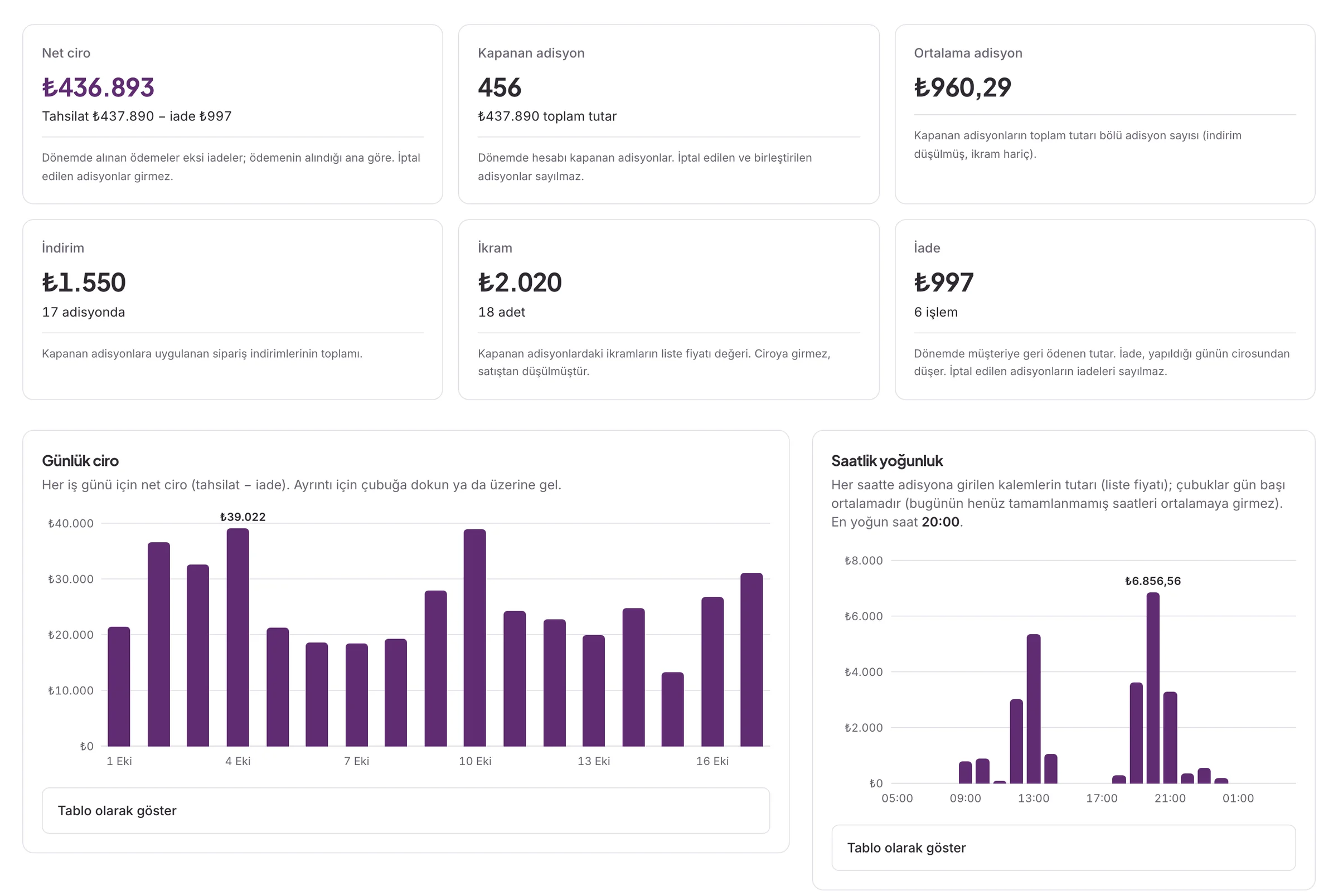
Revenue, till and audit reports are ready.
Today, yesterday, this week, this month or a custom range — one tap.
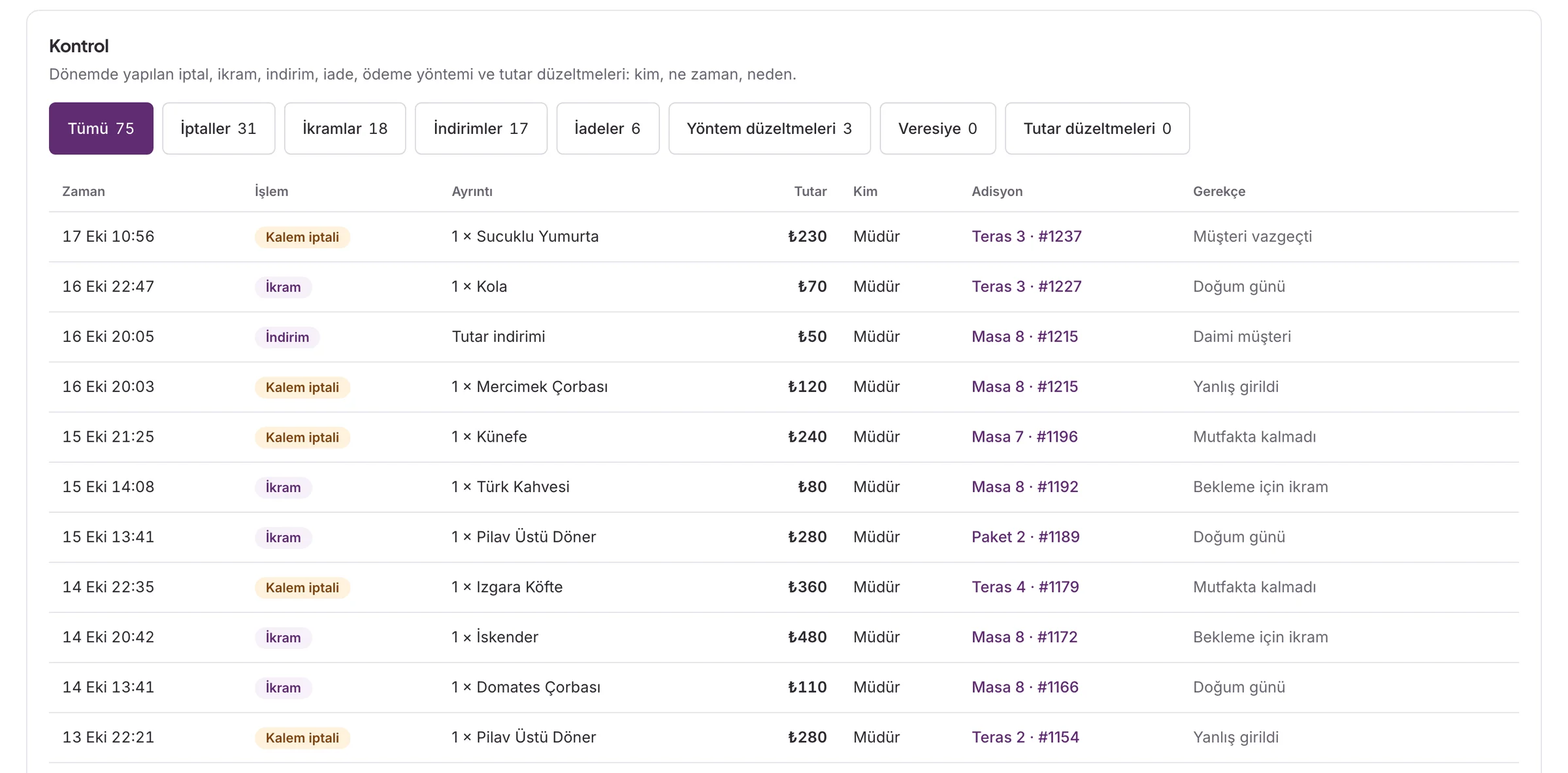
Cancellations, comps, discounts and refunds are logged with who did them and why.
Owners, managers and waiters see only their own screens; reports are for managers and owners.
Balances, collections and cash in are tracked separately.
The day starts at 05:00, so after-midnight sales count toward the right day.
Cancellations, comps, discounts, refunds, method corrections and credit — filter with one click.
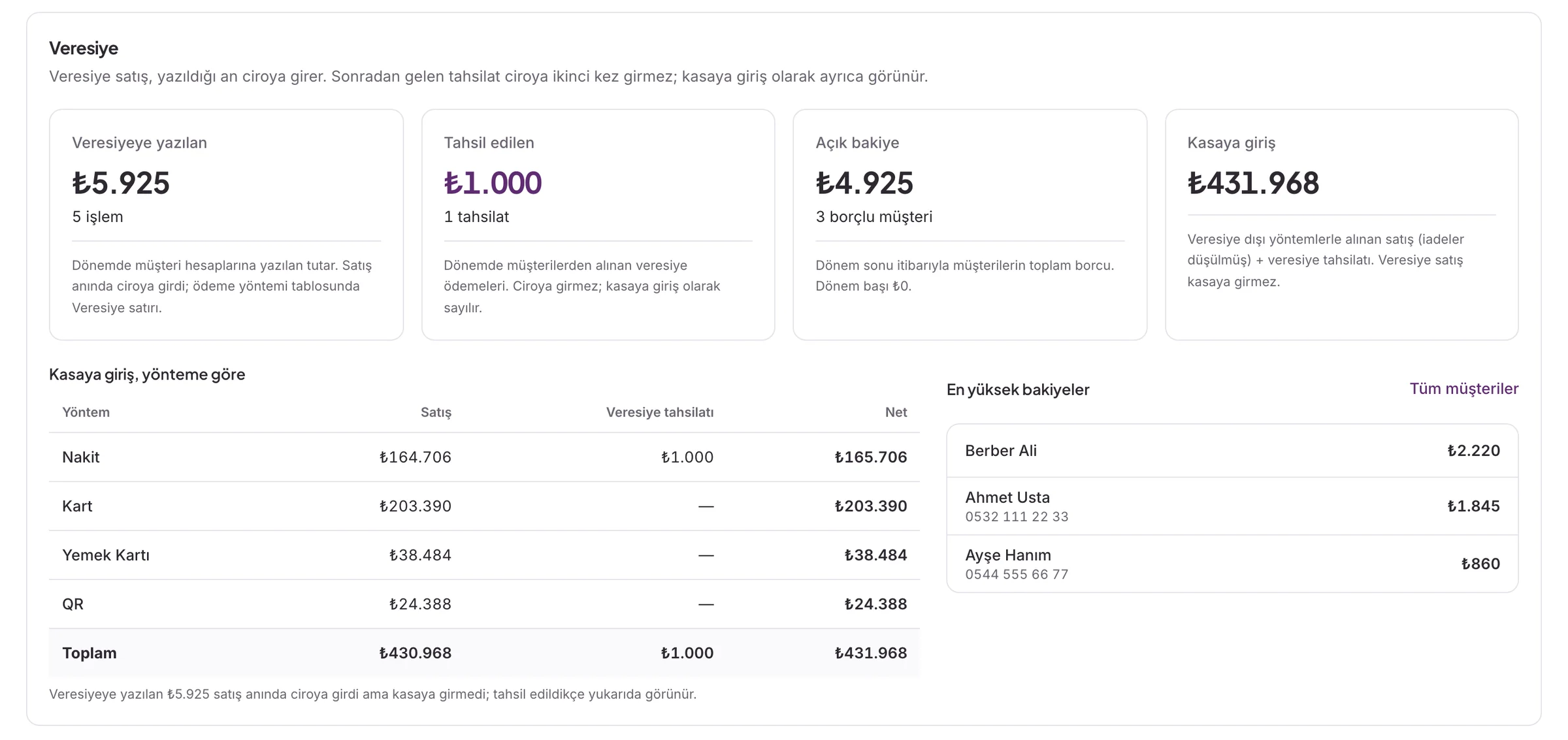
Credit sales count as revenue when written; collections show up as cash in, never as revenue twice.
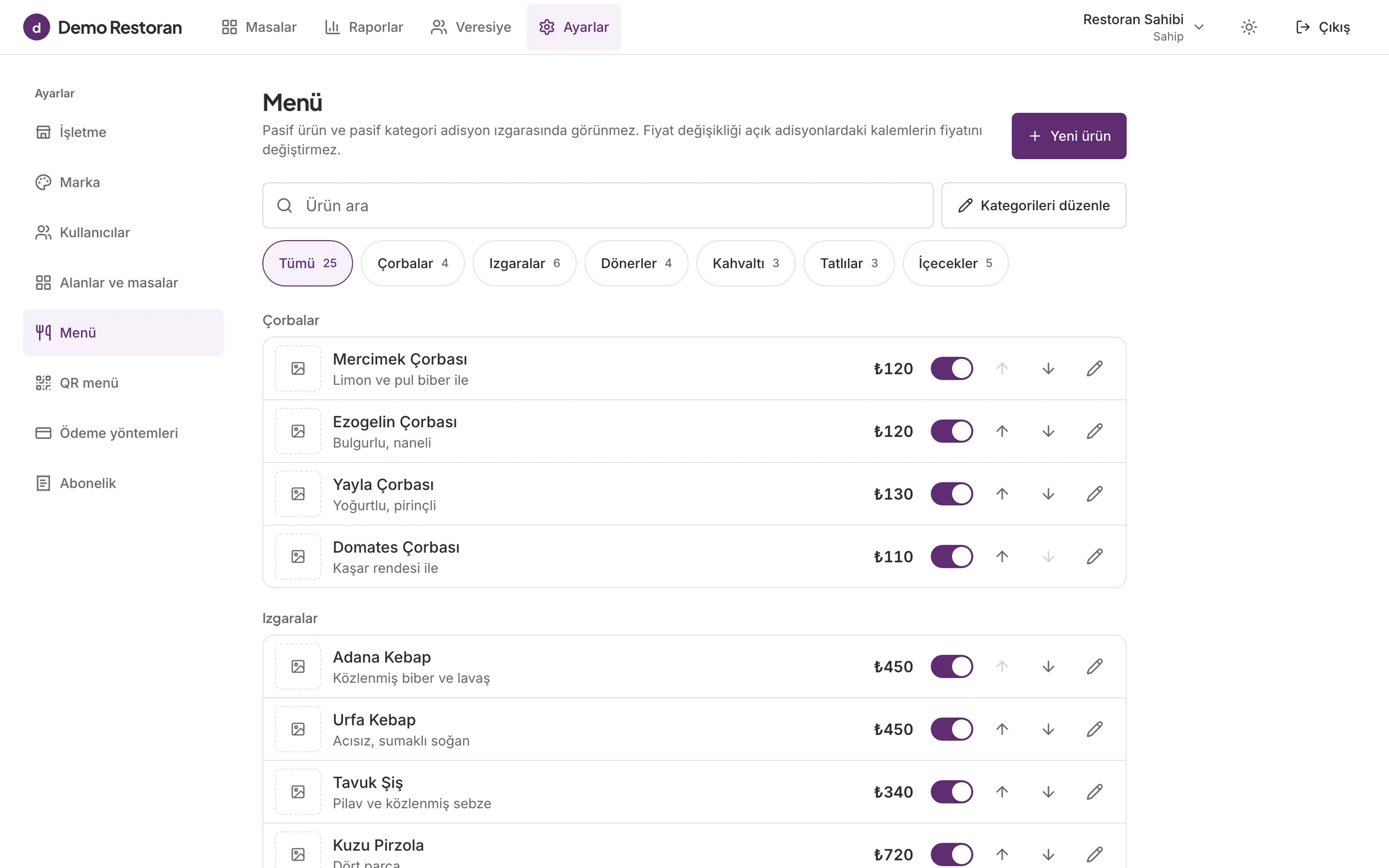
Change a price once — it updates on the till and the QR menu.
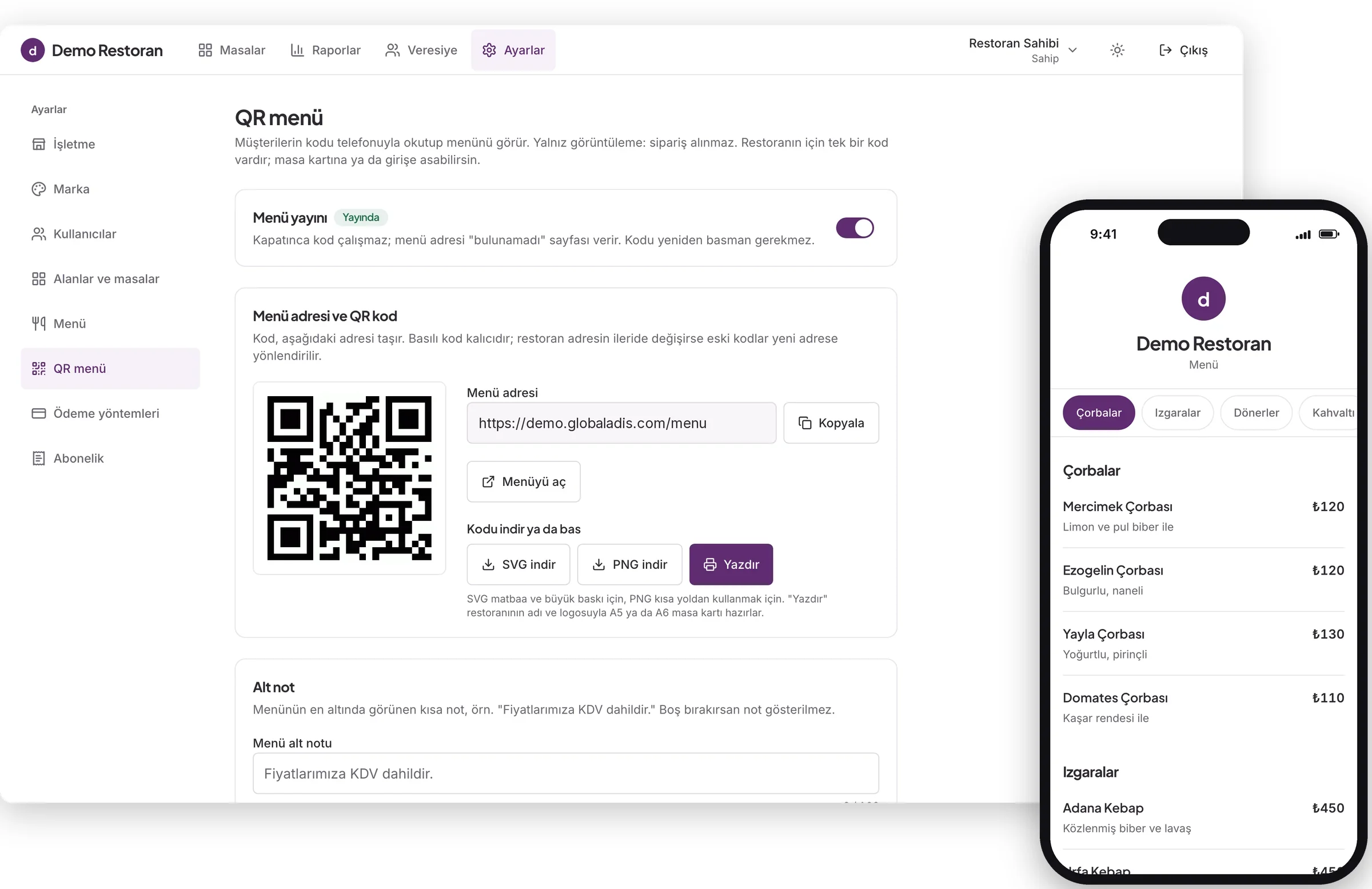
Guests scan the code and the menu opens on their phone. Printed codes are permanent — no reprinting.
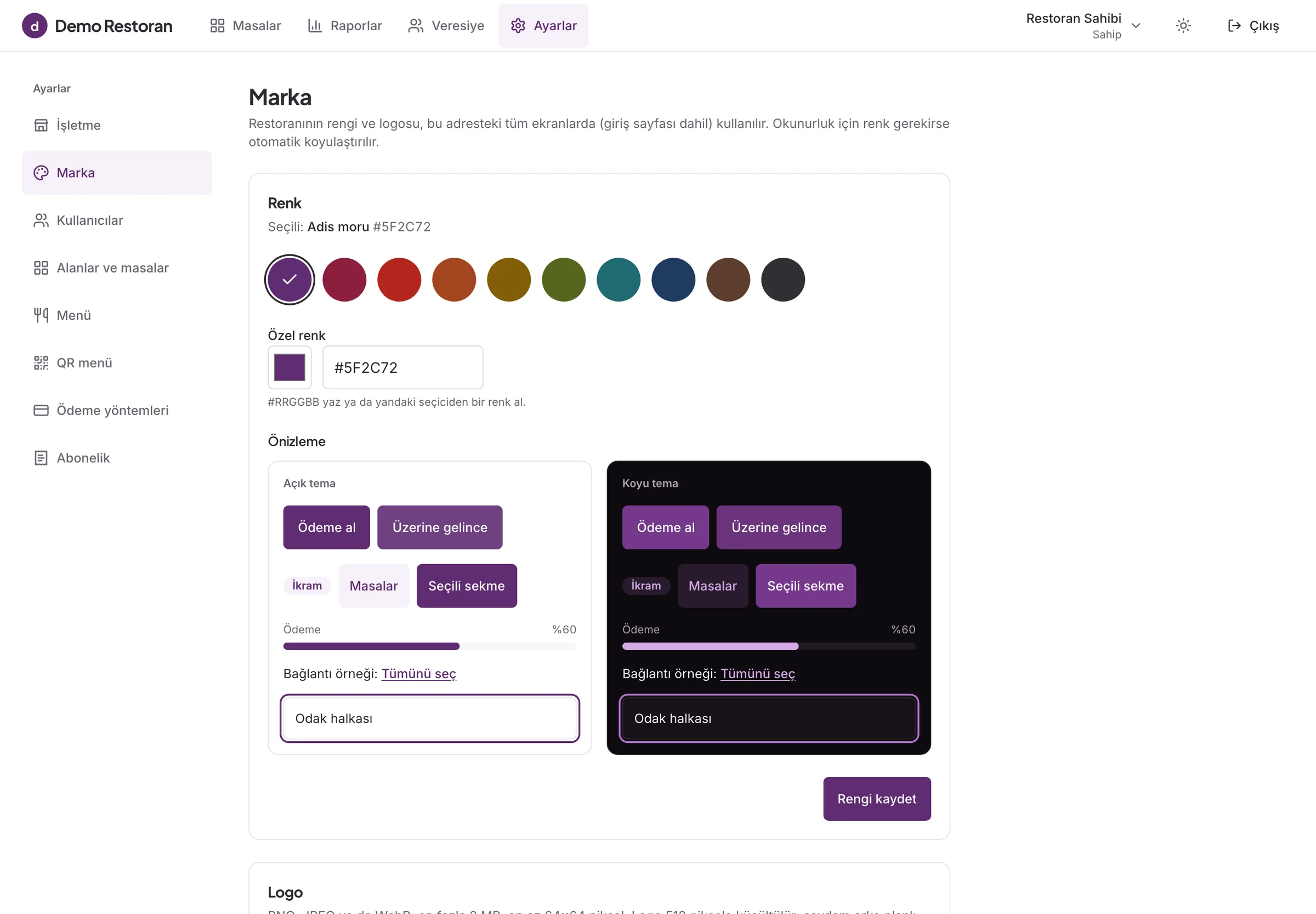
From the login page to the ticket, the restaurant runs under its own identity.
Indoor, terrace and takeaway together.
Quick orders, QR menu, busy hours.
Daily menus and fast table turnover.
Portion options, takeaway-heavy service.
Counter and table sales on the same till.
Separate roles for waiters, managers and owners.
Any device with a browser; nothing to download. Waiters use phones, the till runs on a tablet or computer.
The subdomain you choose at sign-up, e.g. lezzet-duragi.globaladis.com.
One plan, billed yearly, no add-ons. You're reminded by email and in the panel before it ends, and you renew it yourself.
Yes. They appear on every screen, from login to ticket.
Each restaurant's data stays in its own account; staff only see the screens they're allowed to.
We'll set up your menu and account together, ready from the first service.
LiveA branded bio page and permanent short links with changeable targets.
Explore ↗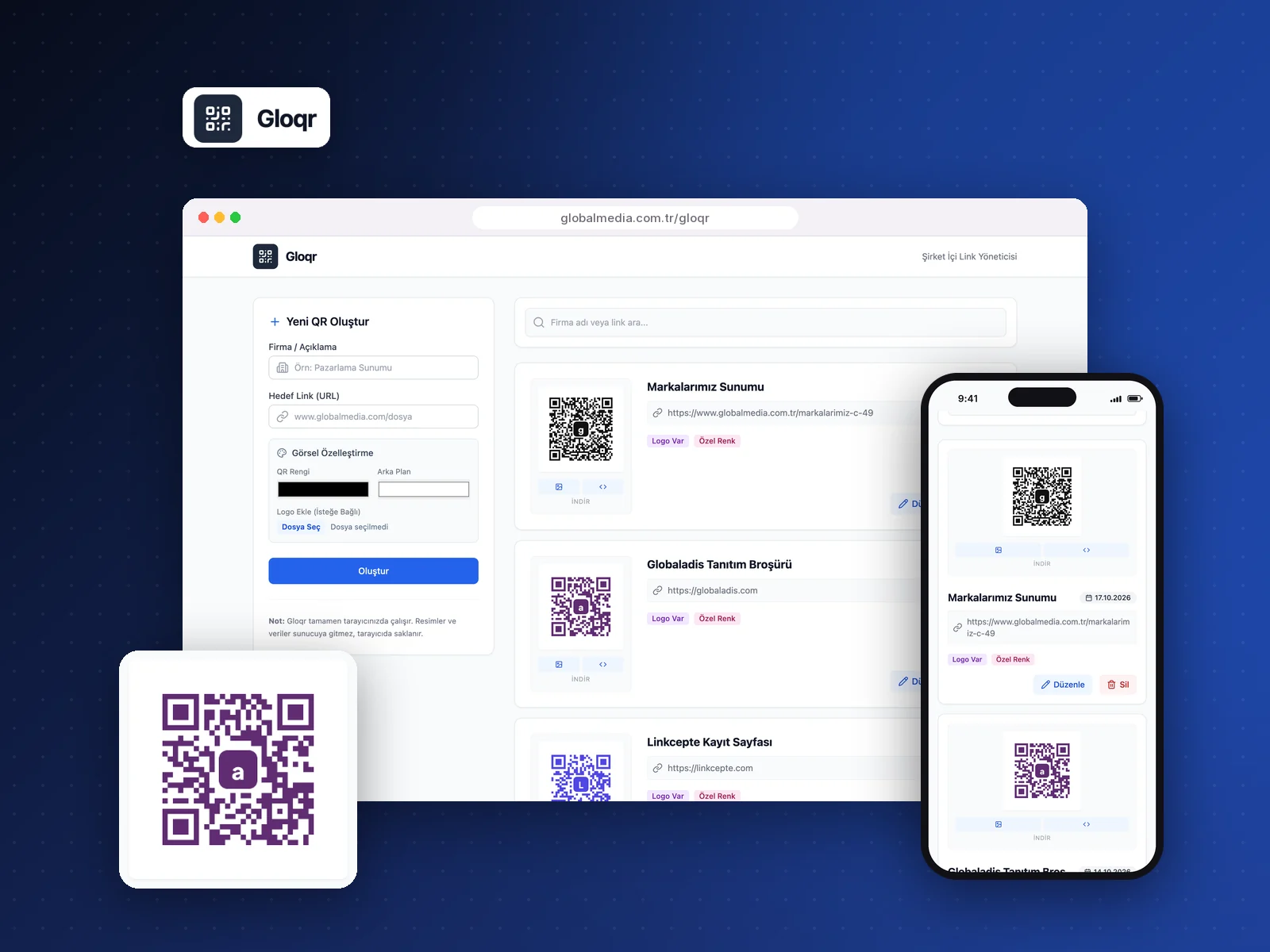 Live
In-house QR manager: branded codes in one list.
Explore ↗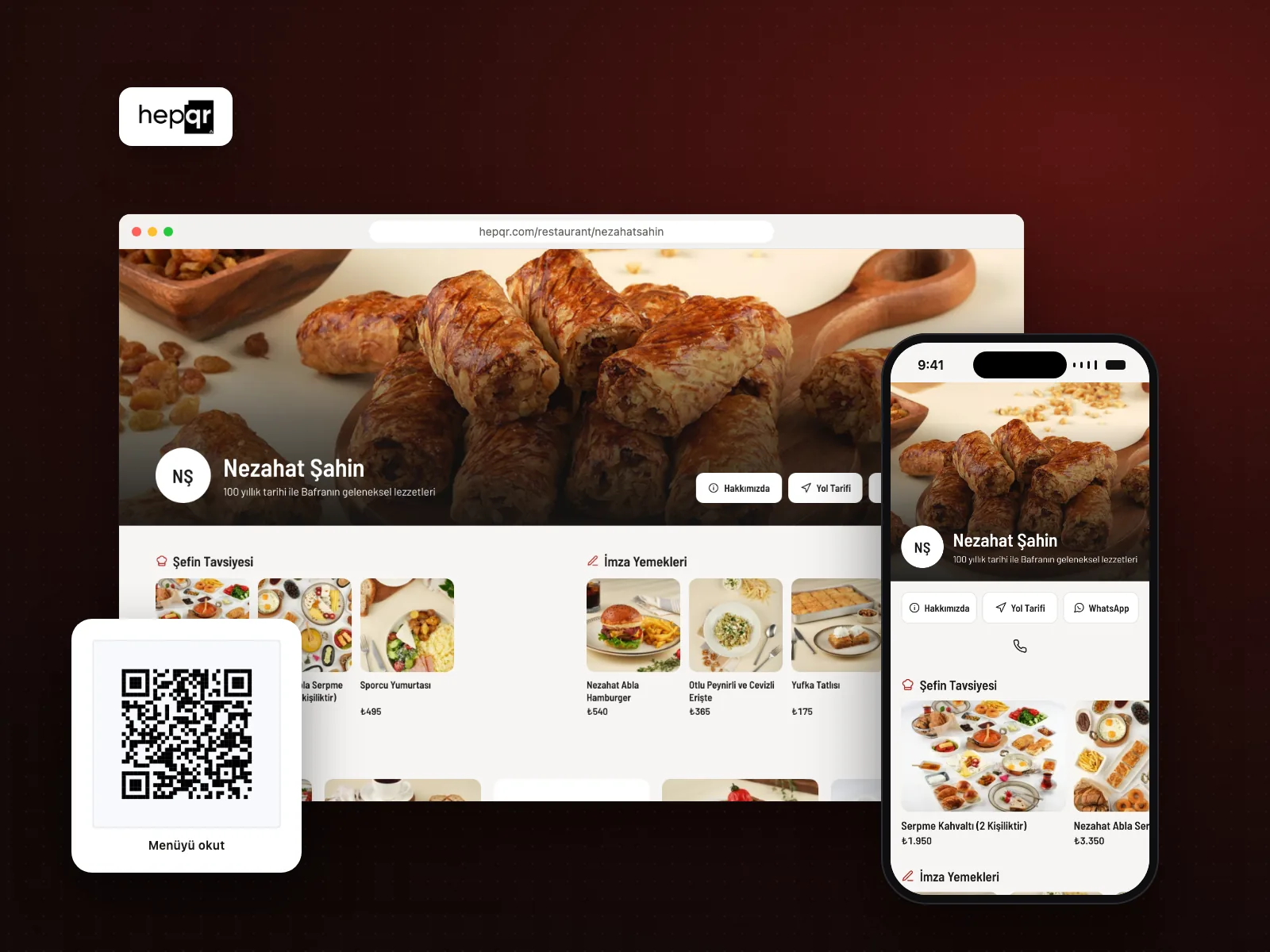 Live
QR menus for restaurants and cafés: photo menus, instant price updates.
Explore ↗