 Live
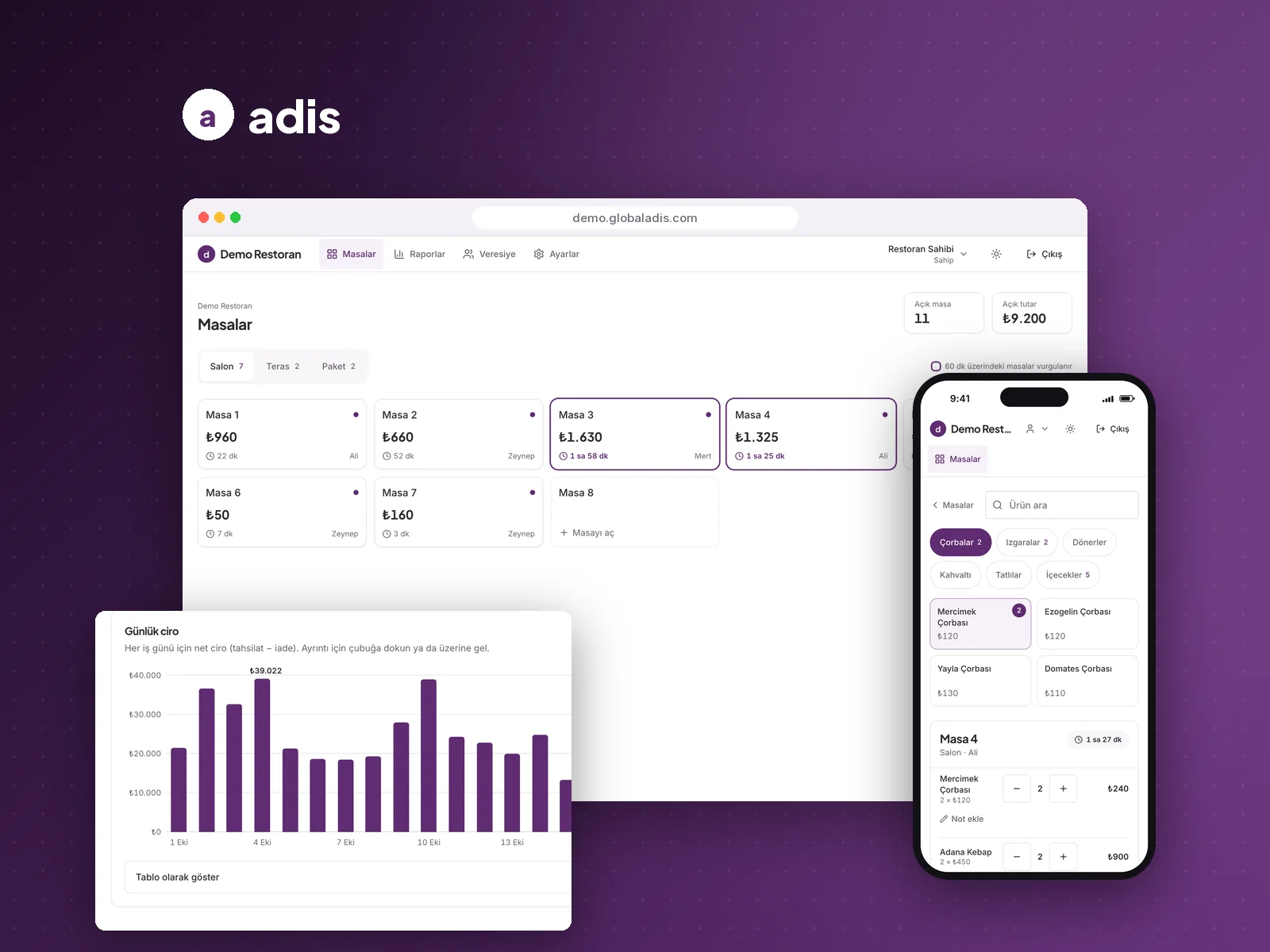
Globaladis
Cloud-based restaurant POS: floor plan, ordering, reports and QR menu.
Explore ↗
Create the QR codes for your decks, catalogues, brochures and business cards, brand them with your logo and colour, and download them as PNG or SVG. It runs entirely in the browser; nothing is sent to a server.
Every job means another QR website, another look, another ad.
Nobody keeps the original file or the link behind a printed code.
Codes printed without a logo or brand colour.
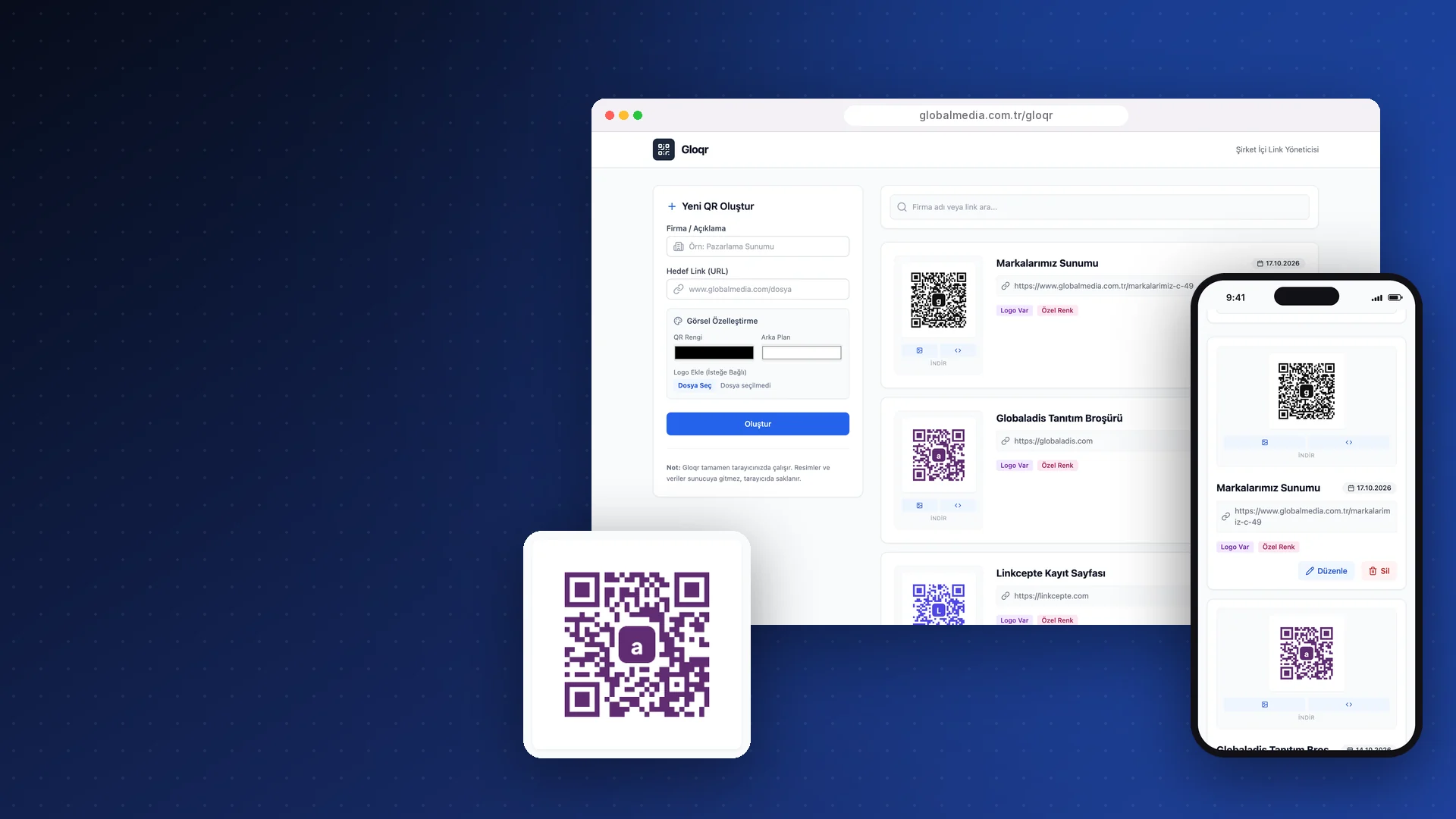
GloQR keeps every company QR code in a single list.
Say where the code will be used: catalogue, brochure, business card.
Paste the address the code should open; https is added if missing.
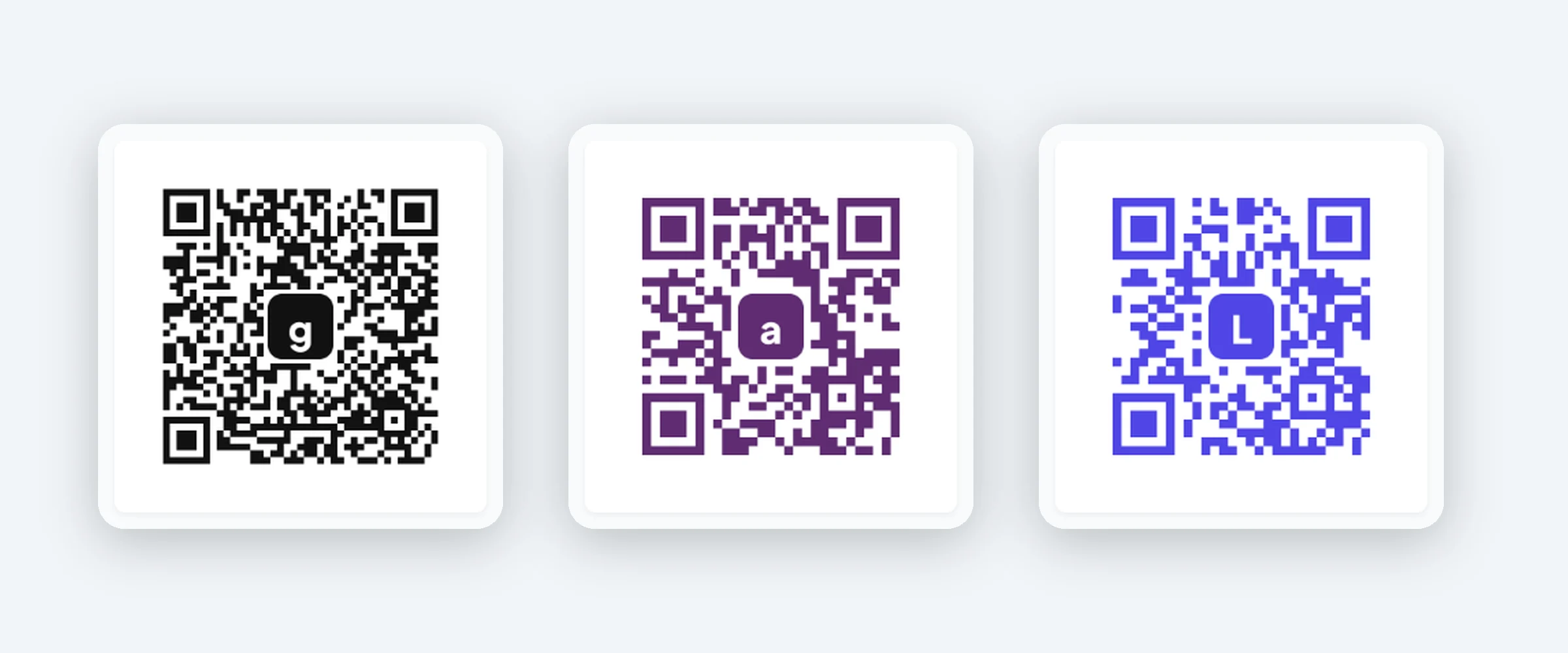
Pick the code and background colours; add a logo in the middle if you like.
SVG for print, PNG for screens and decks.
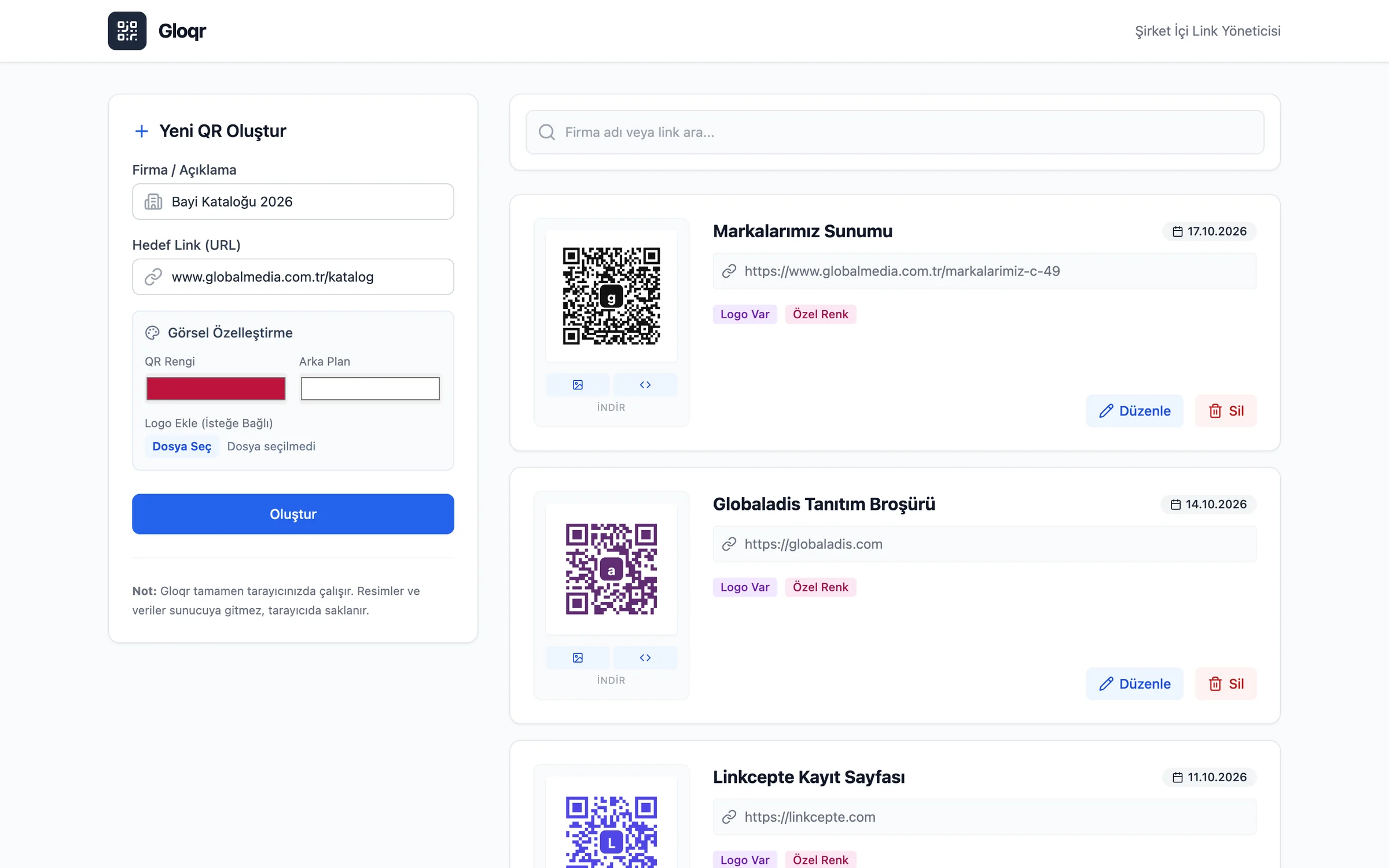
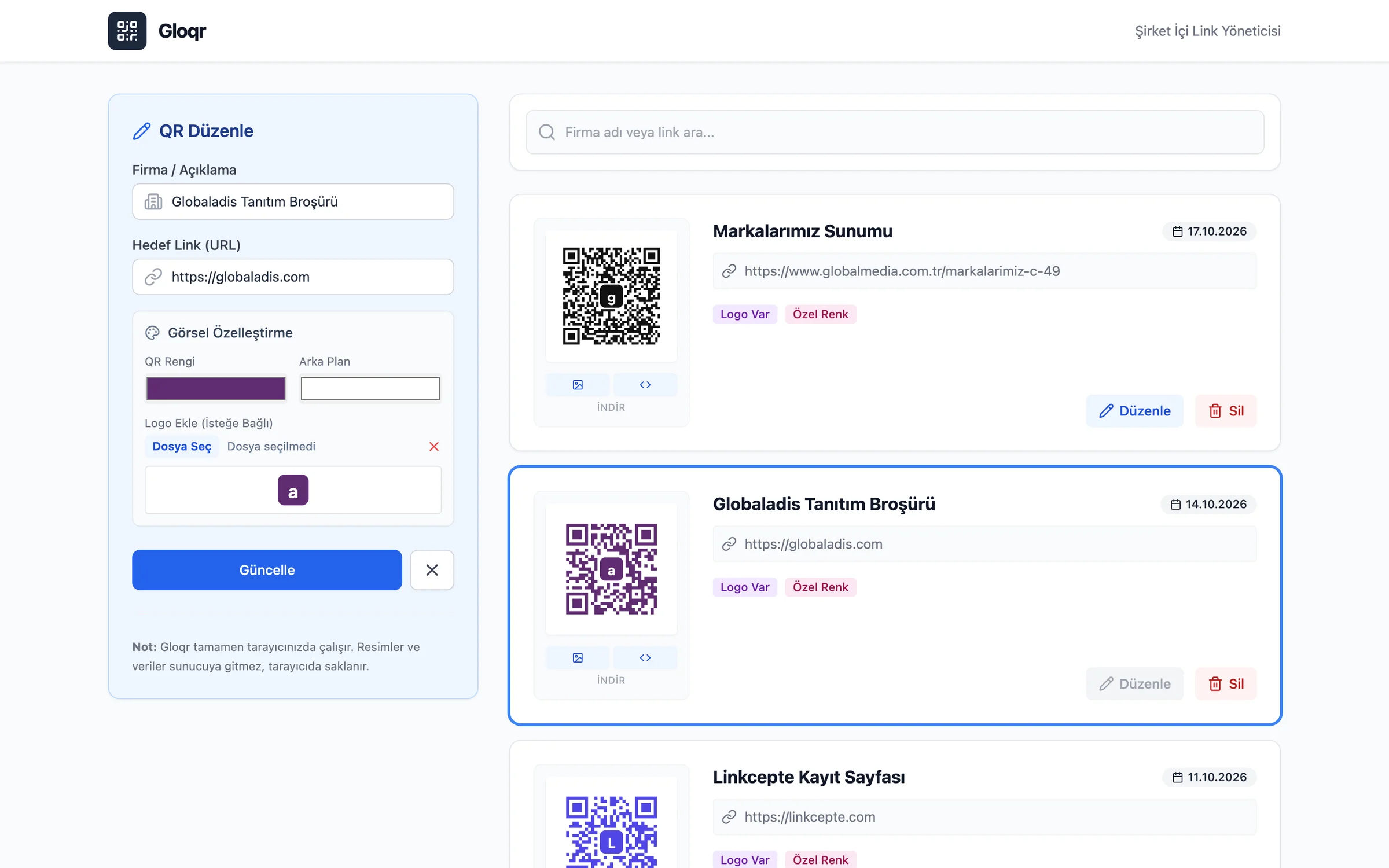
Each entry shows its name, target link, creation date and "Logo" and "Custom colour" tags.
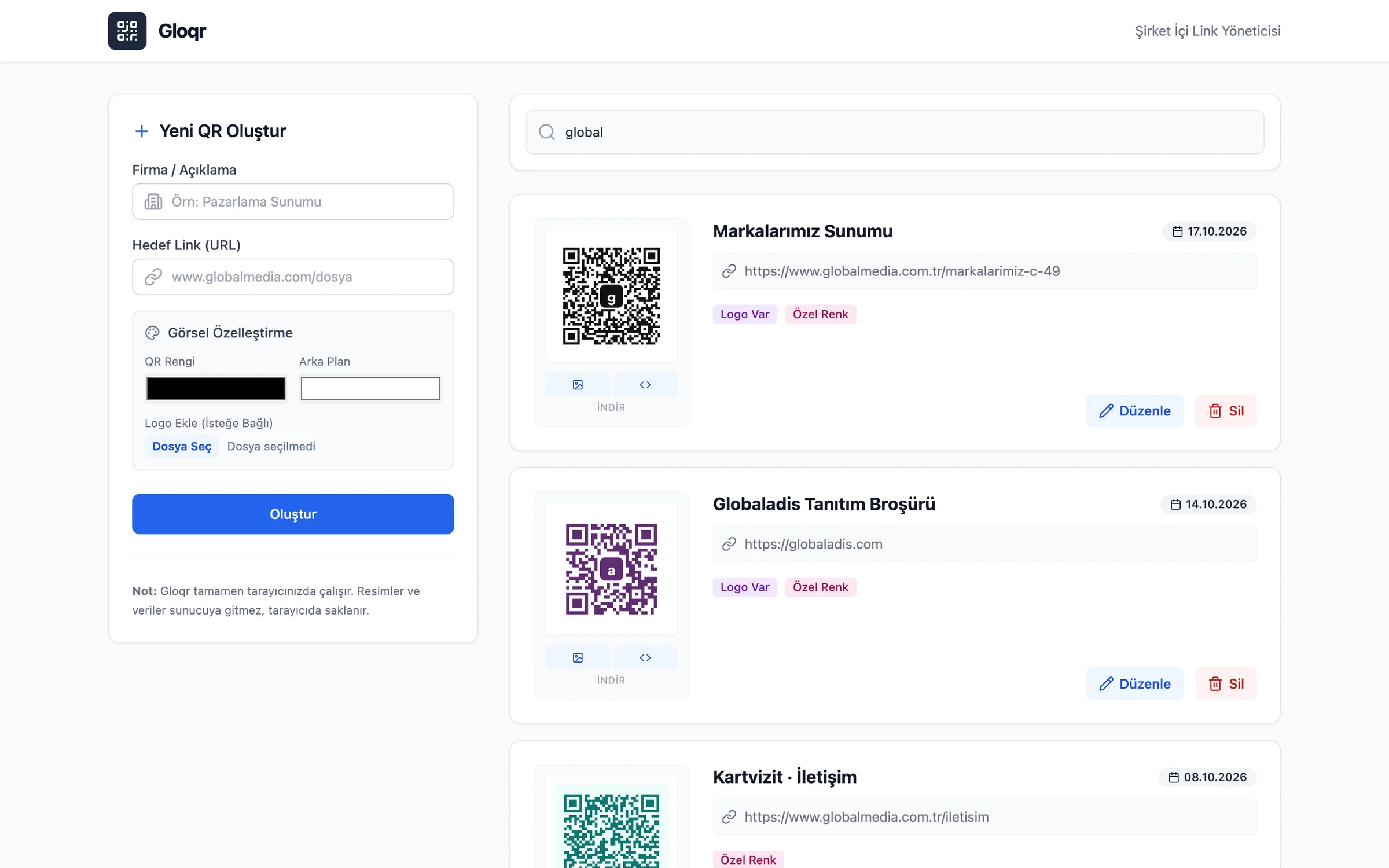
Branded codes use the highest error-correction level, so they stay readable with a logo in the middle.
Name, link, colours and logo can all be changed later; download the updated code in one click.
Entries and logos are stored in the browser's own storage.
No sign-in, sign-up or install — just open the page.
The list lives in the browser you made it in and isn't shared with other devices.
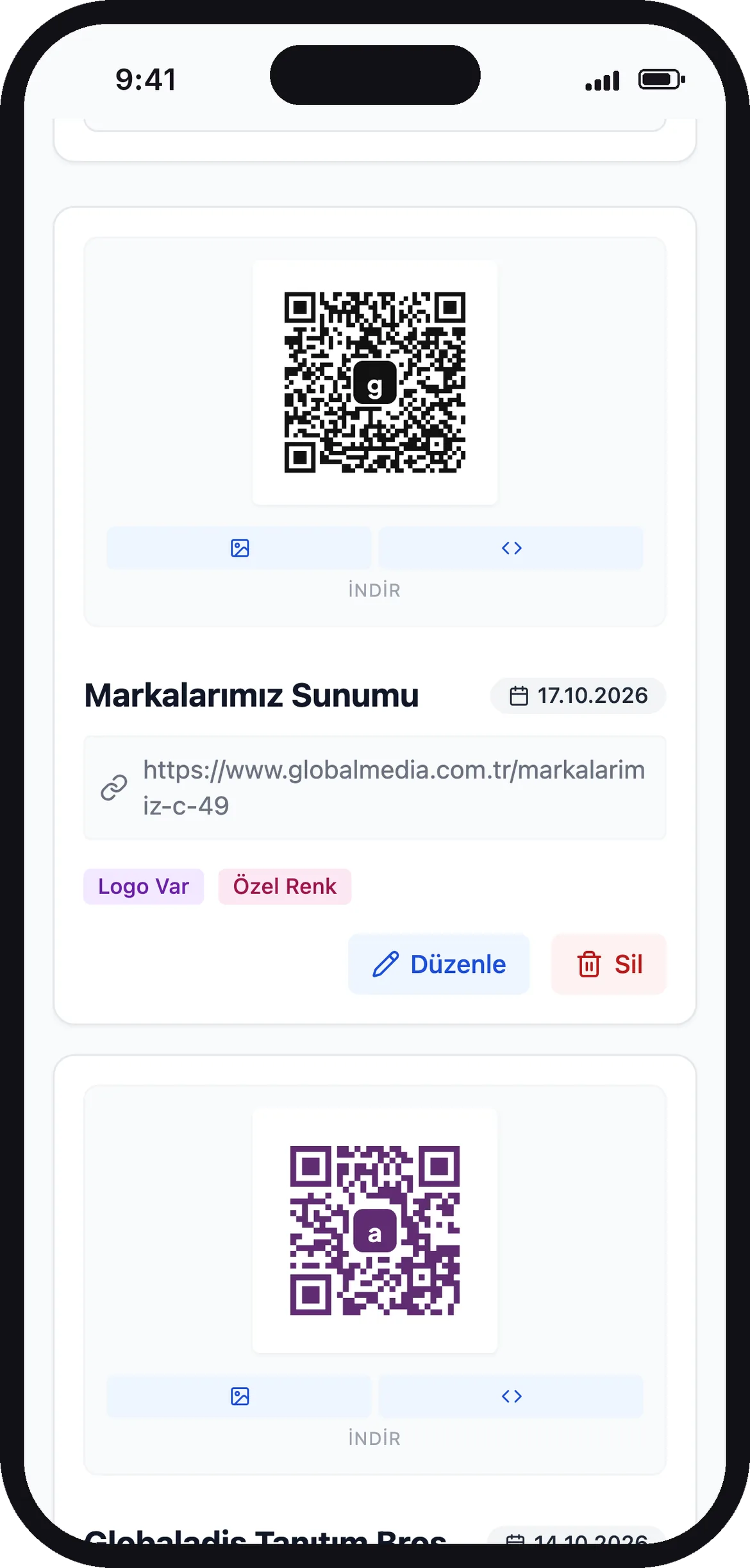
The same interface works on the phone; create and download a code on the spot.
Paste a link and the code is ready.
Save the PNG straight to your phone and share it.
Codes that open a product page or a PDF.
Contact page or website.
From a slide to the details in one scan.
Posters, roll-ups and table cards.
User guides or product videos.
Invitations, schedules and sign-up forms.
No. GloQR makes static QR codes: the link is inside the code and never expires.
In a static code the link is built in, so a new target means a new code. For permanent links whose target can change later, use Linkcepte smart redirects.
In your browser's local storage; nothing is sent to a server. Clearing browser data also clears the list.
PNG and SVG. We recommend SVG for print — it stays sharp at any size.
Start using GloQR now, or write to us about a version tailored to your company.
LiveCloud-based restaurant POS: floor plan, ordering, reports and QR menu.
Explore ↗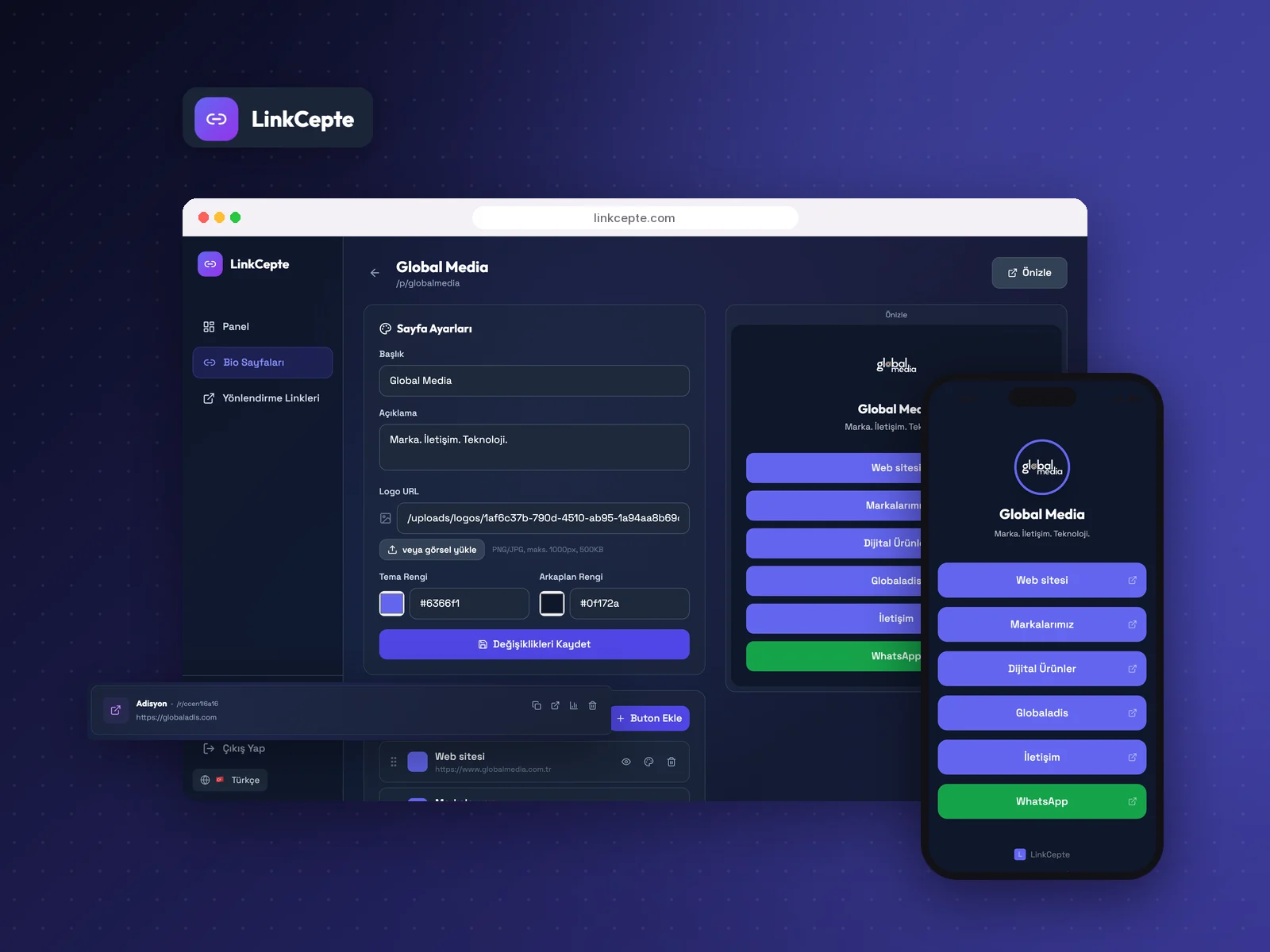 Live
A branded bio page and permanent short links with changeable targets.
Explore ↗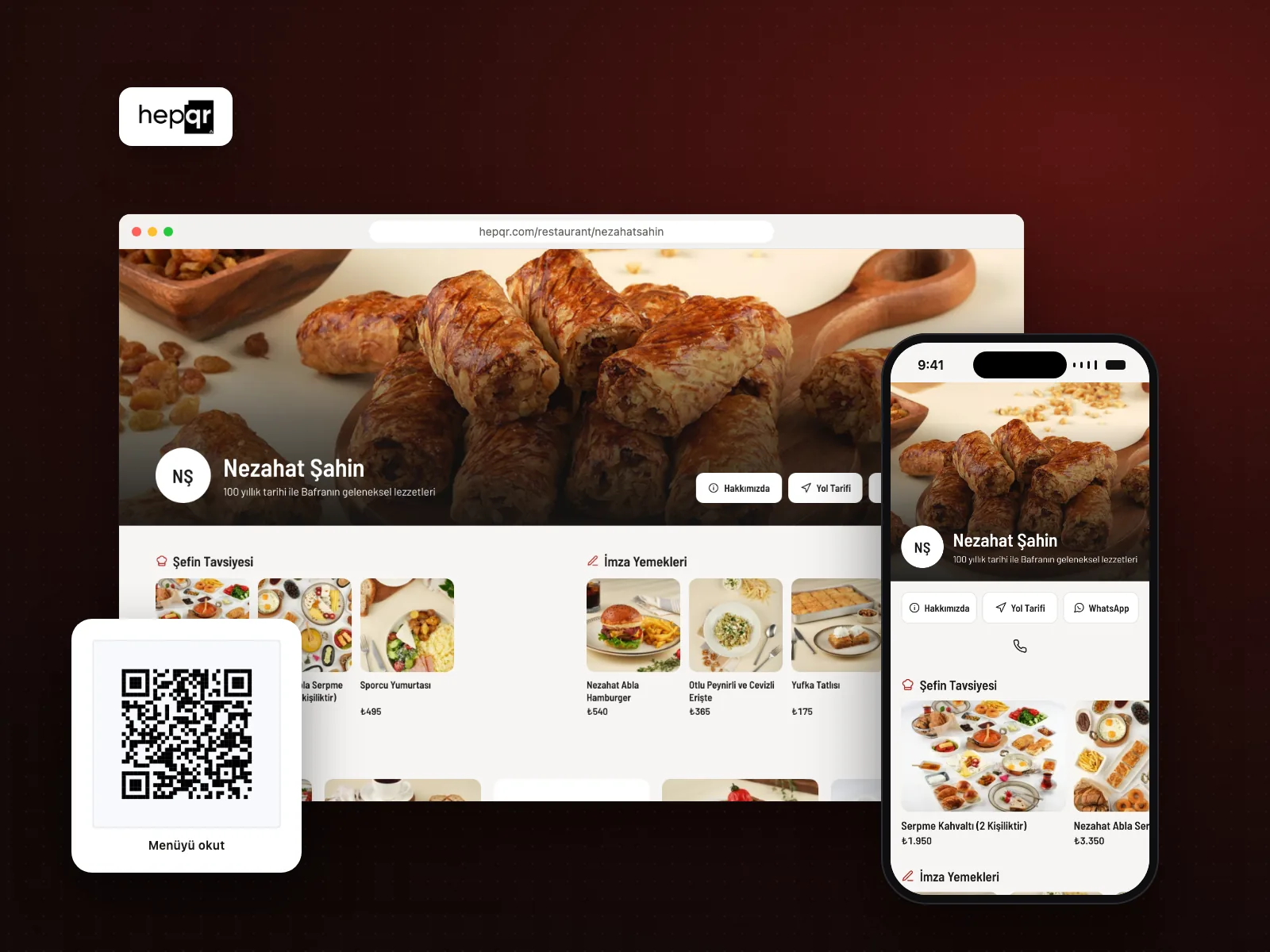 Live
QR menus for restaurants and cafés: photo menus, instant price updates.
Explore ↗